Activating your Reach2Teach Lead account
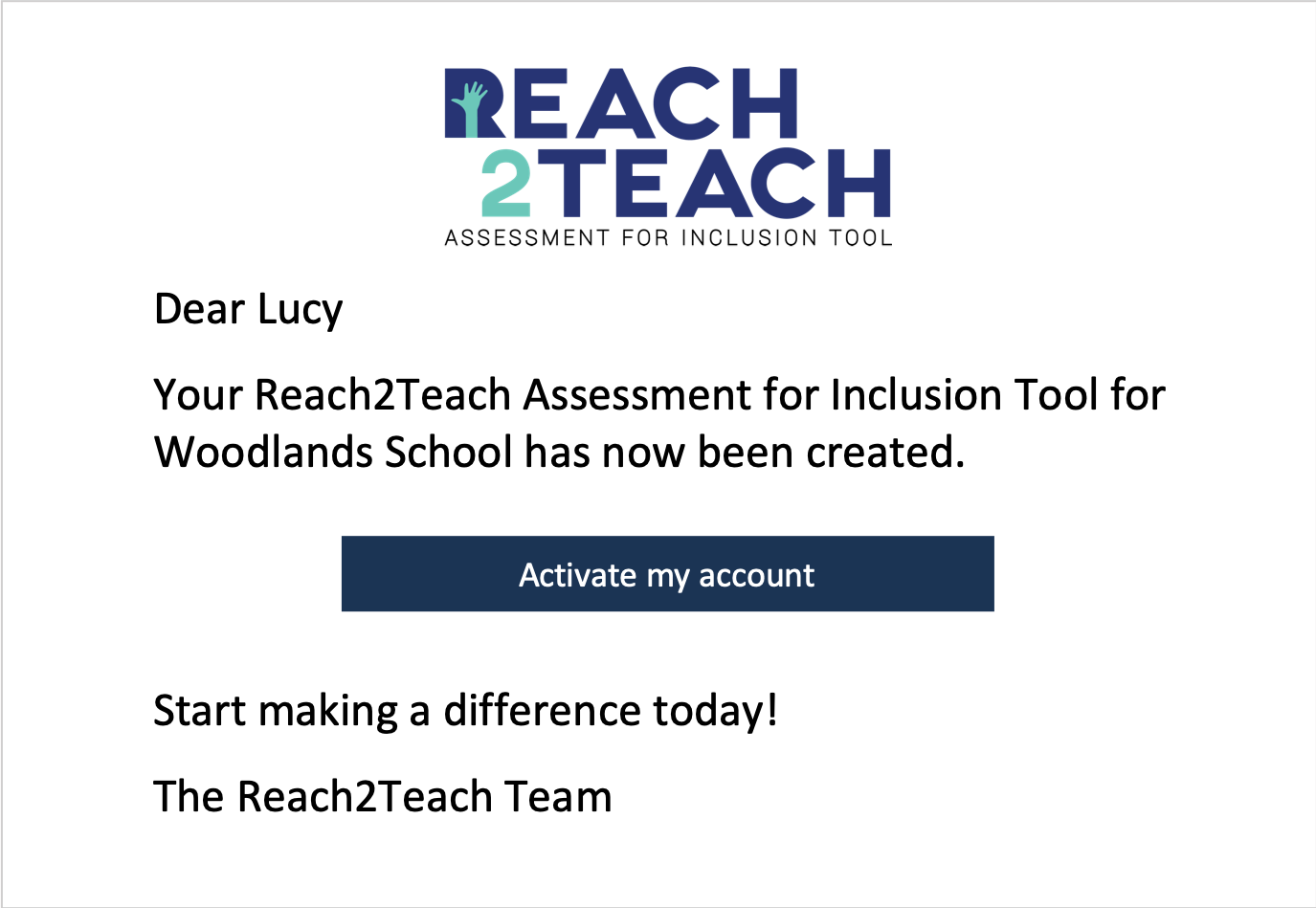
Once payment has cleared, we will create your account. You will receive an email with a button that, when selected, will activate your account.
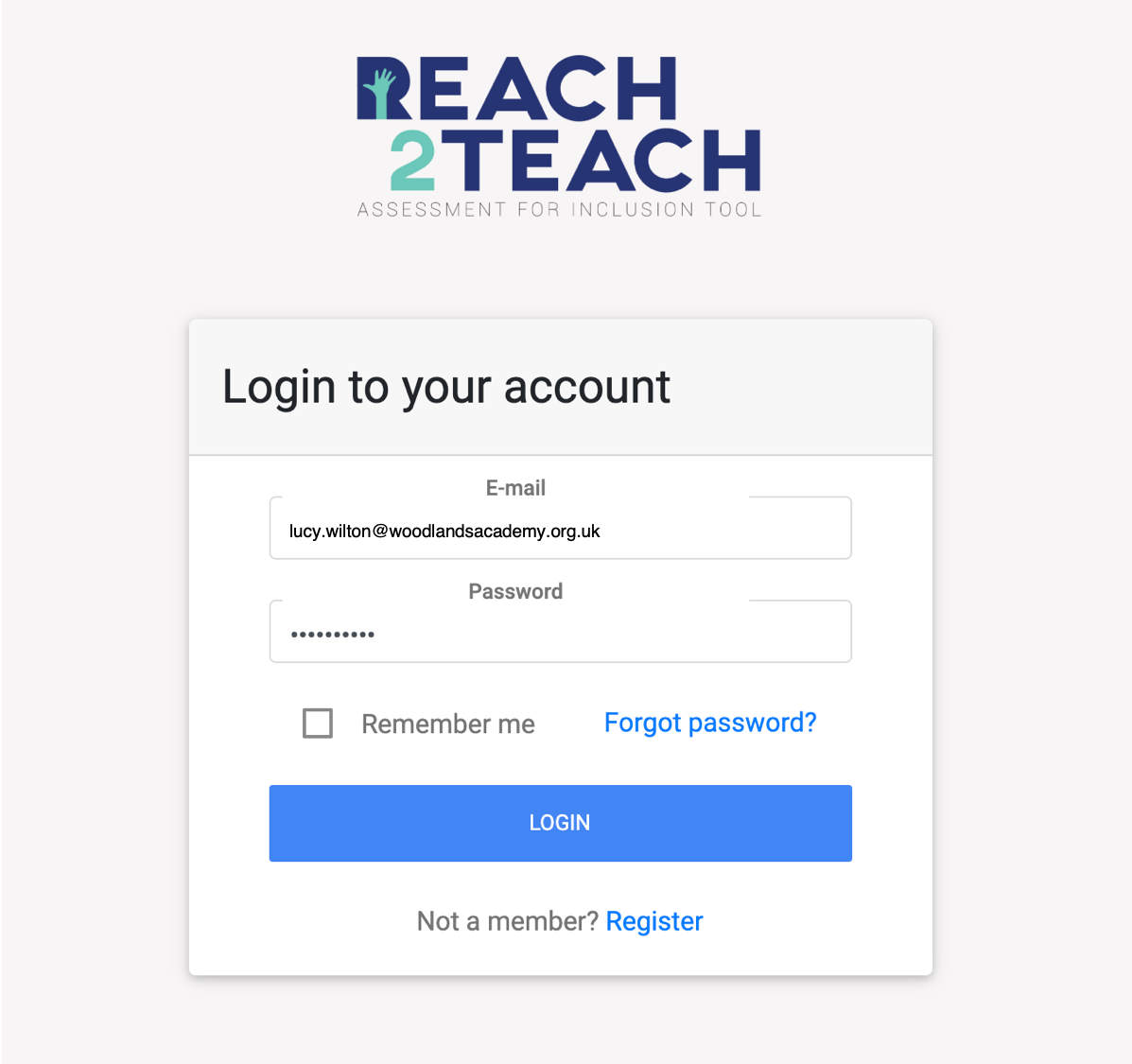
Log into your account using the email and password you created when setting up your invoice or when you paid on card.
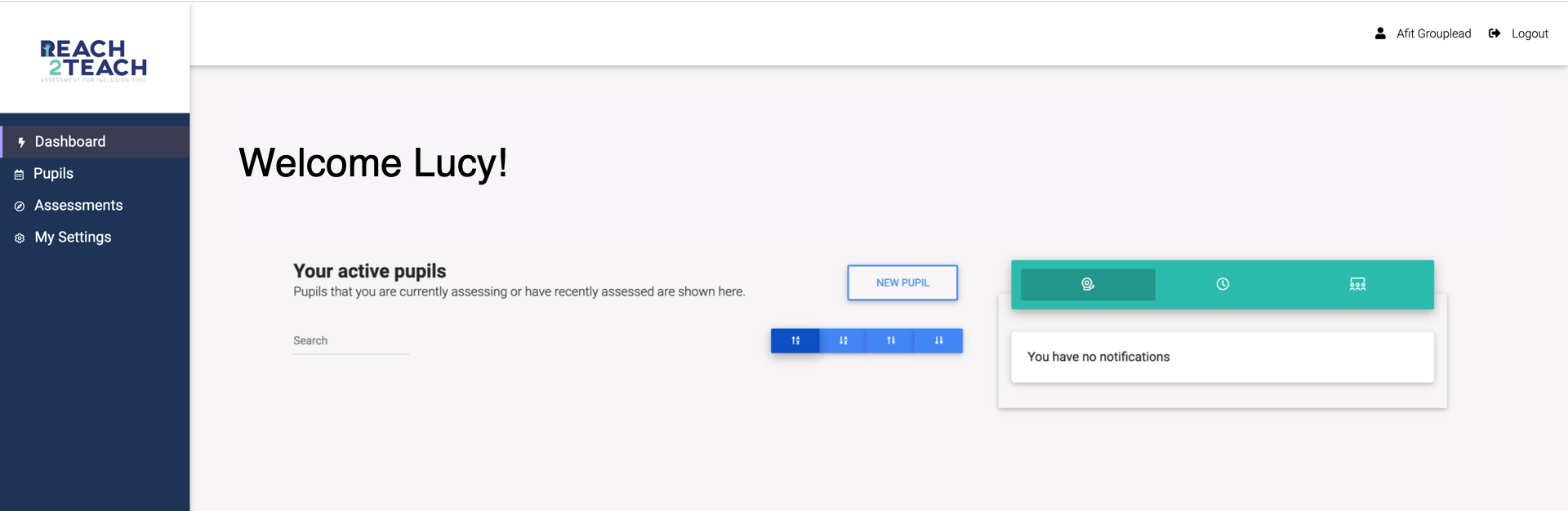
You will be taken through to your account. You can now set up your team and start creating pupil profiles.