
Retrieve an archived pupil
You can retrieve a pupil profile that has been archived.
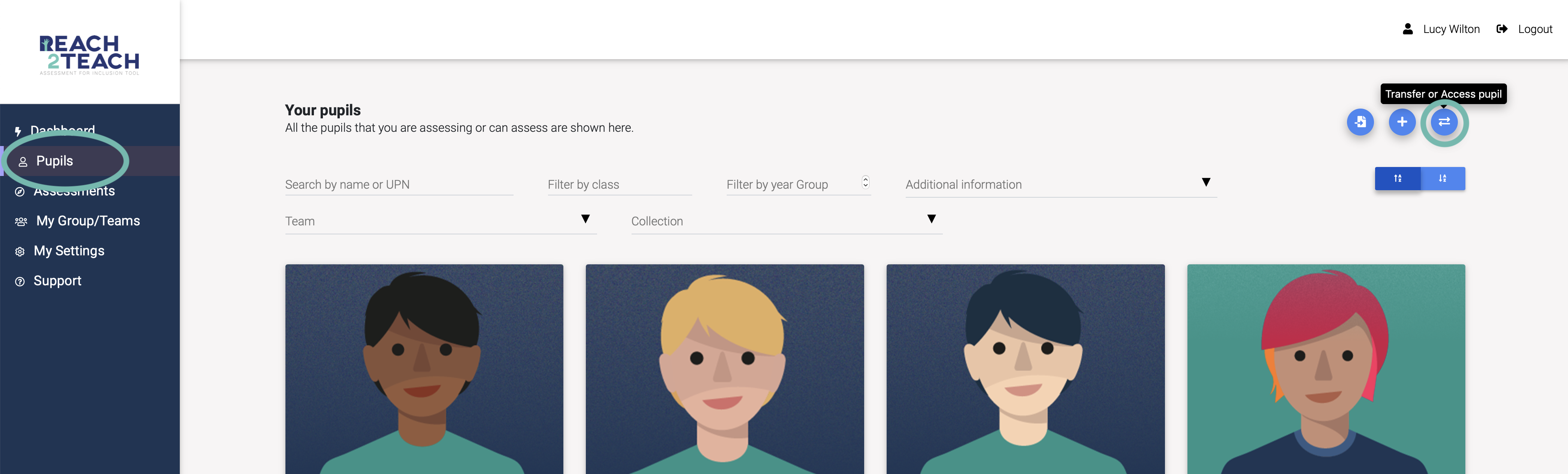
In Pupils section, click on Transfer or Access pupil icon
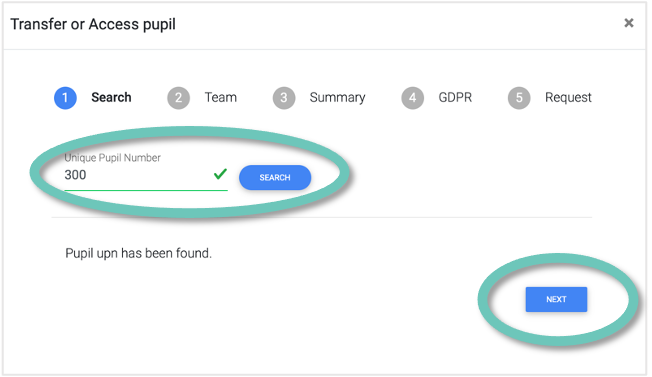
Enter the Unique Pupil Number (UPN) of the pupil you want to retrieve and click Search. If the pupil was previously archived it will show Pupil UPN has been found, click Next
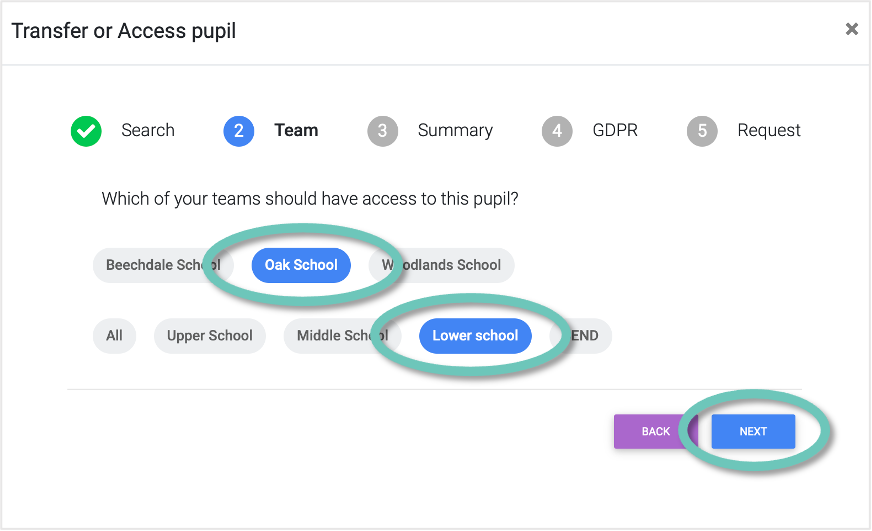
Select the Team and Collection you would like the pupil to be assigned to
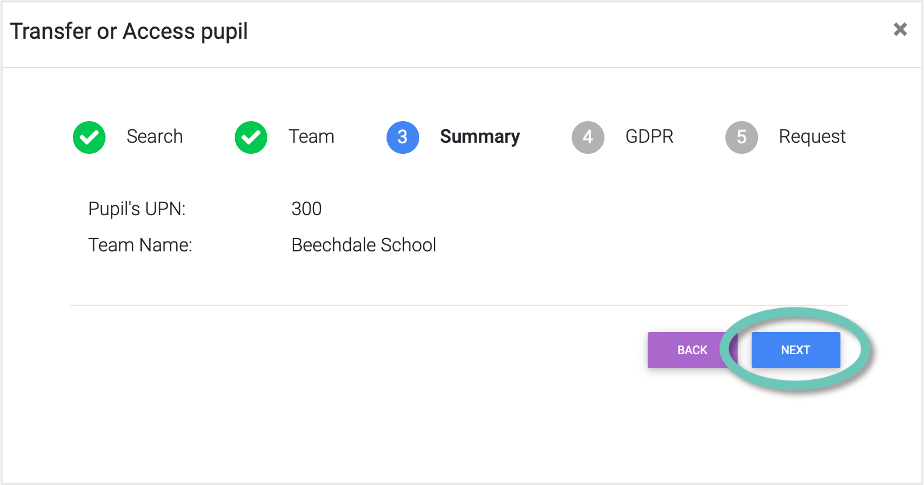
Check the summary is correct and click Next
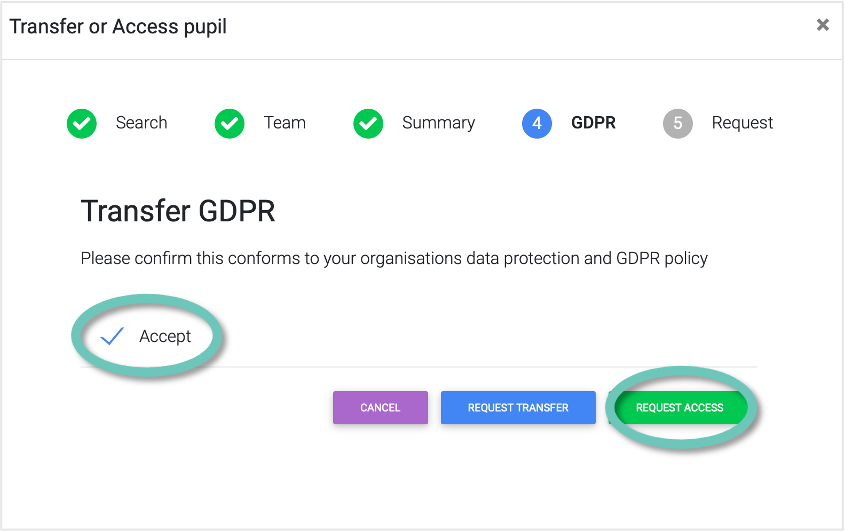
Accept if this conforms with your organisations Data Protection and GDPR policy and click Request access
The pupil will now appear in your pupil list