
Interpreting a Needs Analysis
After you have completed a Needs Analysis, you can understand more about the pupil’s behaviour profile, their needs and approaches or ways to support the pupil and build a positive relationship with the pupil in order to help them settle to learn.
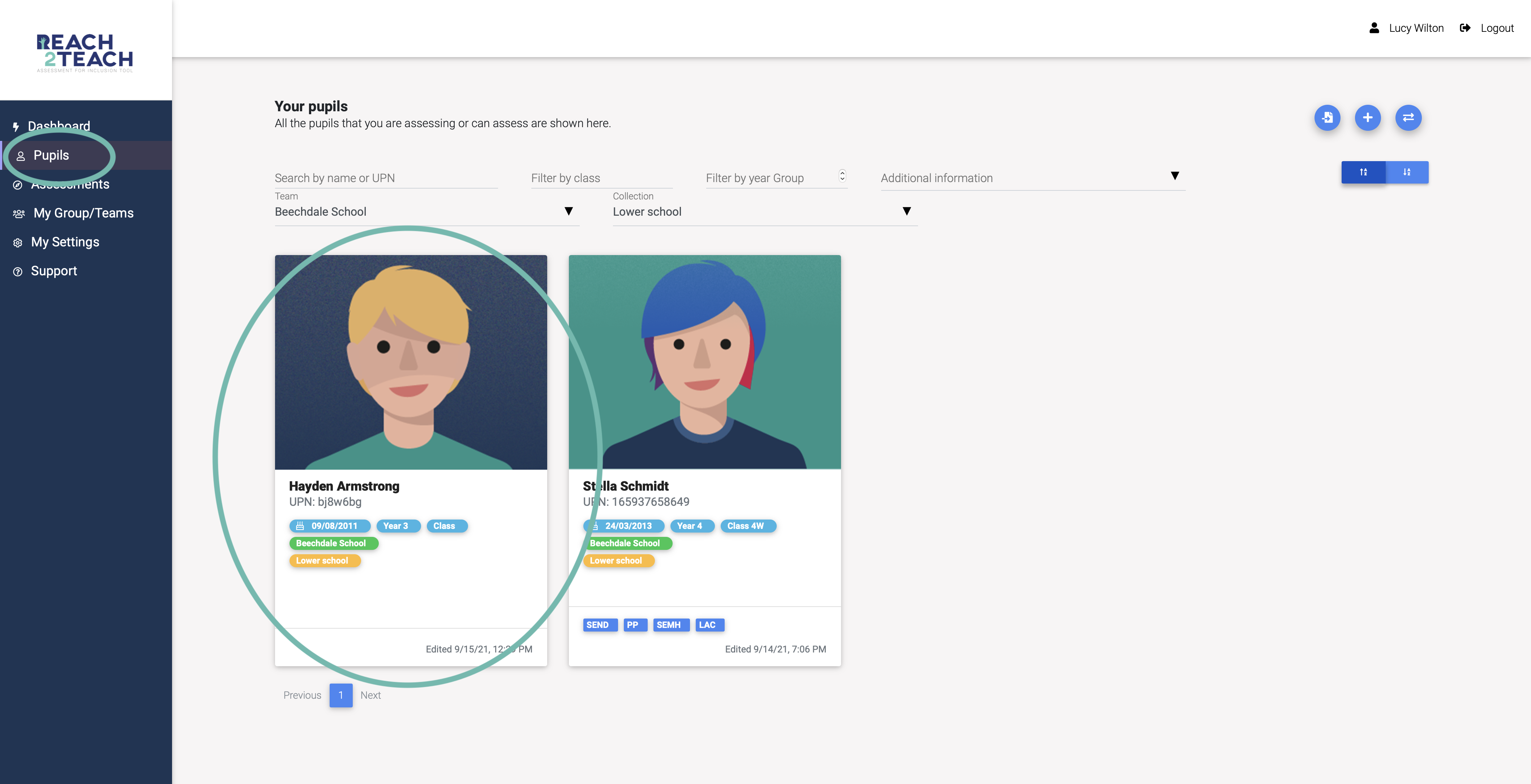
In Pupils section, select the pupil you wish to view.
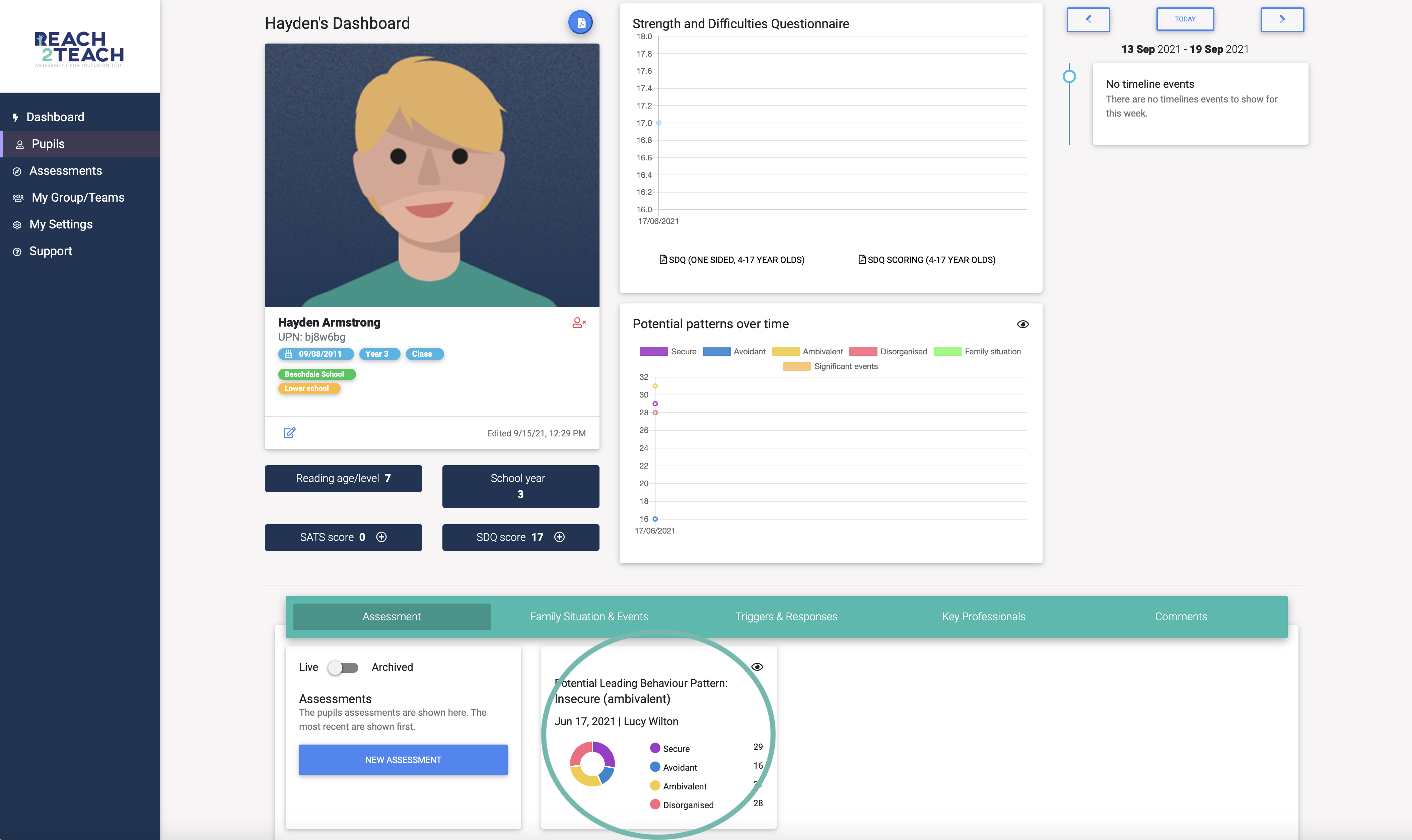
Select the Needs Analysis you want to analyse.
You will now see the pupil’s behaviour profile taken from the selected Needs Analysis.
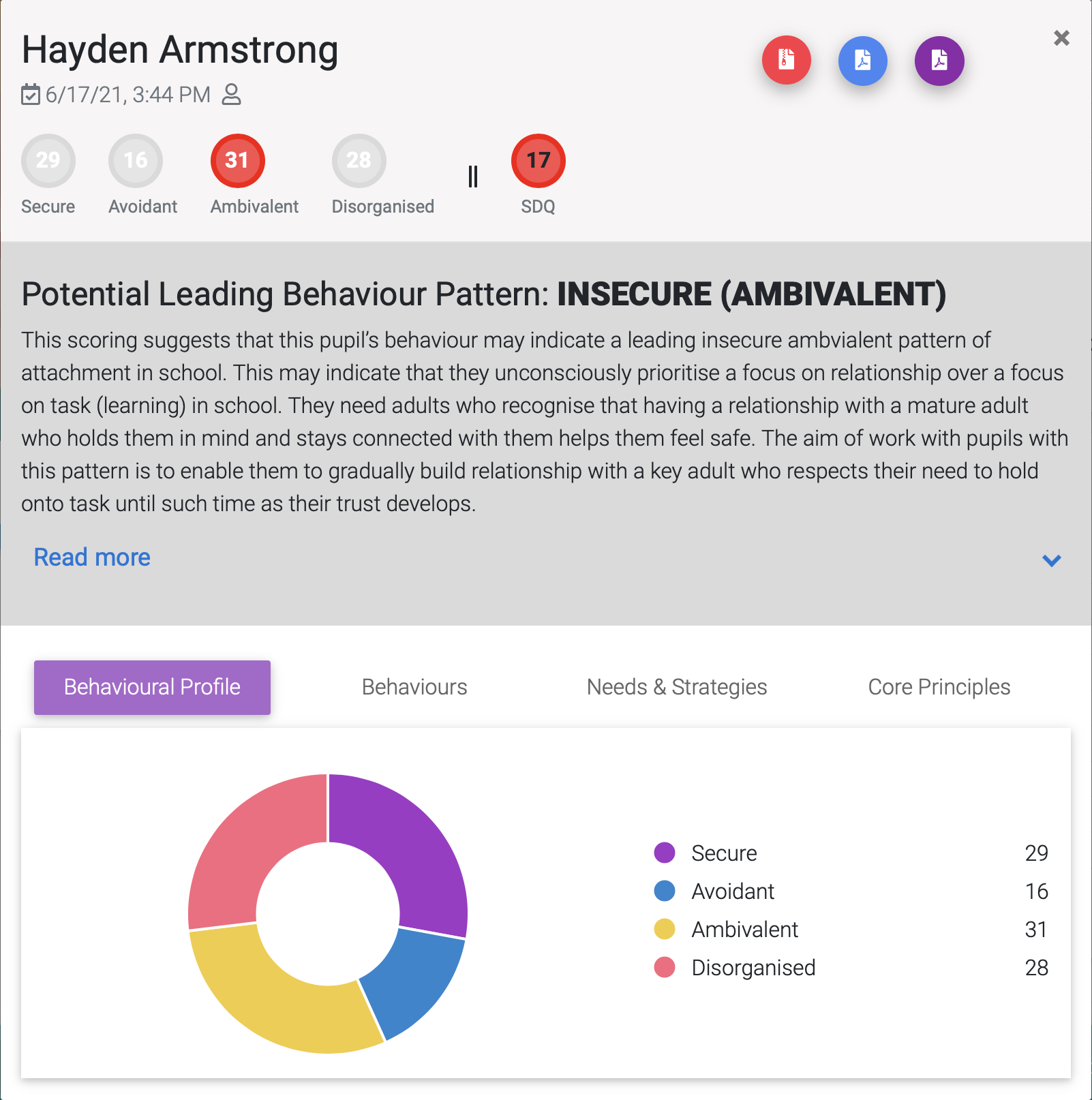
Scores are given for each behaviour pattern in the top bar and in the coloured wheel.
The highest scoring behaviour pattern(s) out of Secure, Avoidant, Ambivalent and Disorganised will be highlighted and their description given underneath.
The SDQ score will be highlighted in either green (not of concern) orange (borderline) or red (of concern).
Green = 0-11
Orange = 12-15
Red = 16-40
NB: Band parameters are according to YouthinMind’s original three-band categorisation of the Teacher completed SDQ.
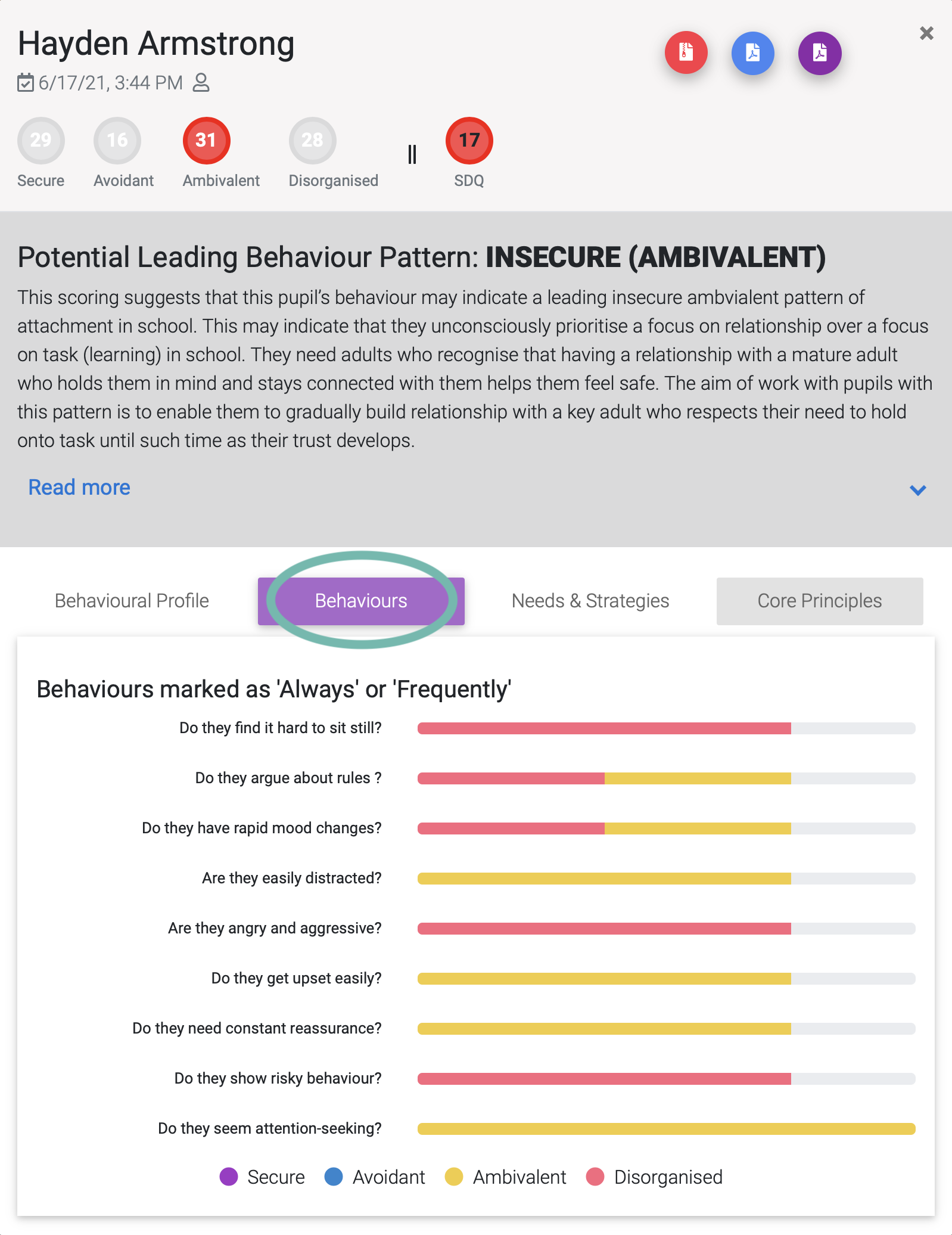
Select Behaviours to see an overview of the behaviours you marked as frequently or always and the behaviour pattern they are associated with.
Select Needs & Strategies and then choose a behaviour to learn the needs that a child may have if they are exhibiting that behaviour and the approaches / strategies that you can adopt in order to support and help them settle to learn.
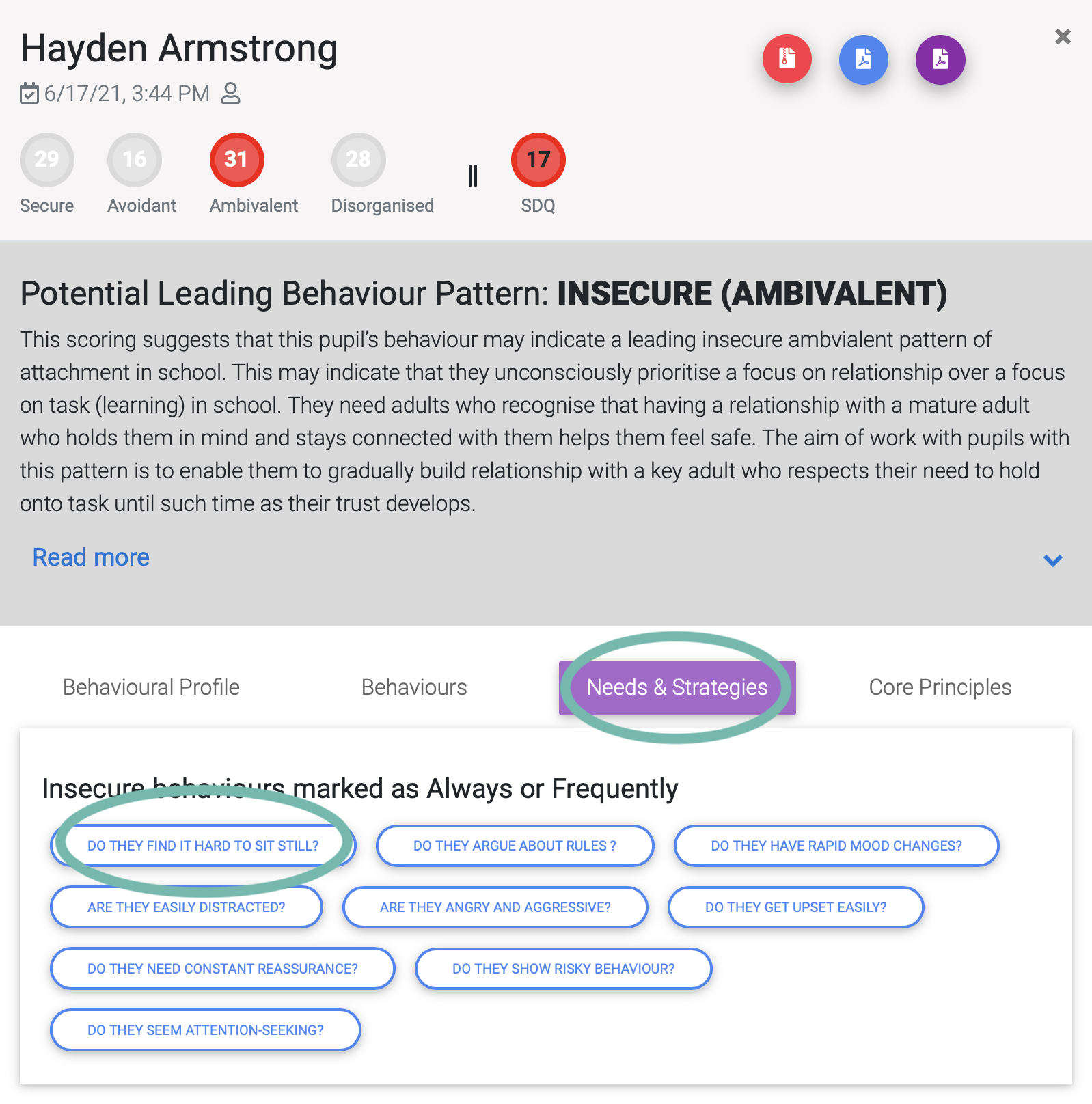
Either
Select The Pupil’s needs and choose to show or hide the Relational and/or Learning needs. You can select needs and whether it has been met or not and make notes to share.
or
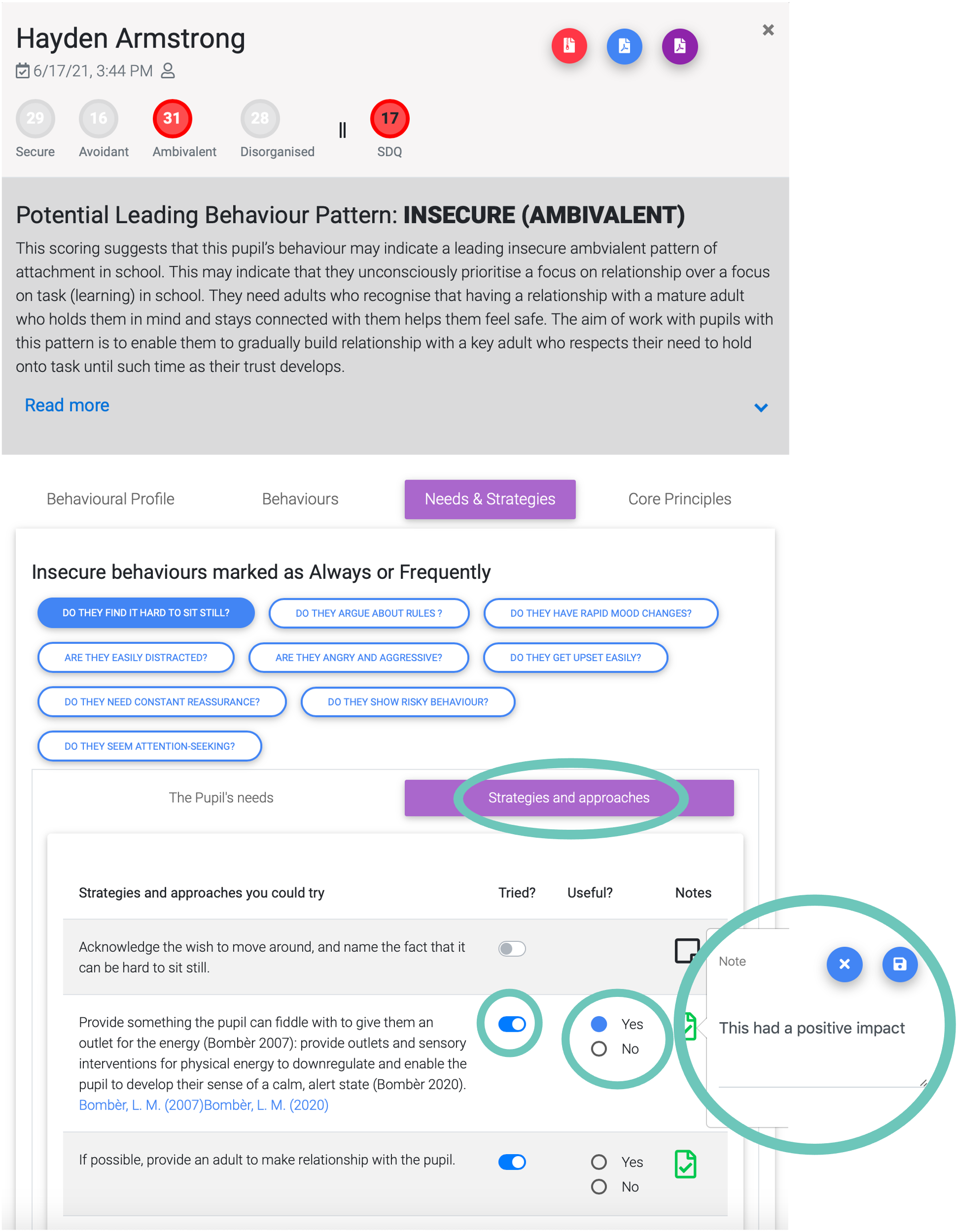
Select Strategies and approaches. You can select that you have tried an approach and whether it was useful or not and make notes to share.
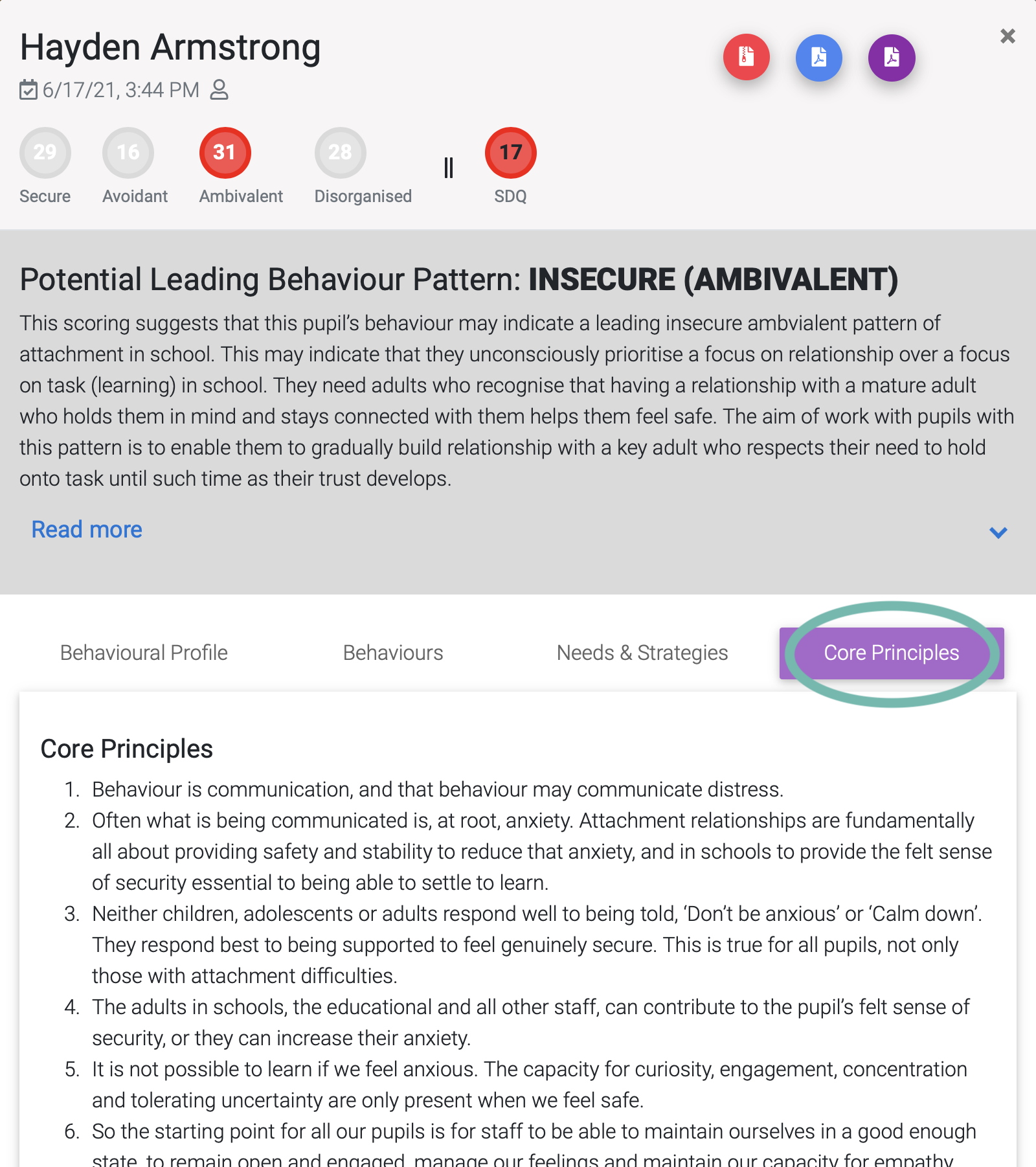
You can also have a look at some core principles.
You can now create and download a Condensed Action Plan or Full Needs Analysis & Plan.