Completing a Needs Analysis
Complete a Needs Analysis to understand more about a pupil’s behaviour profile.
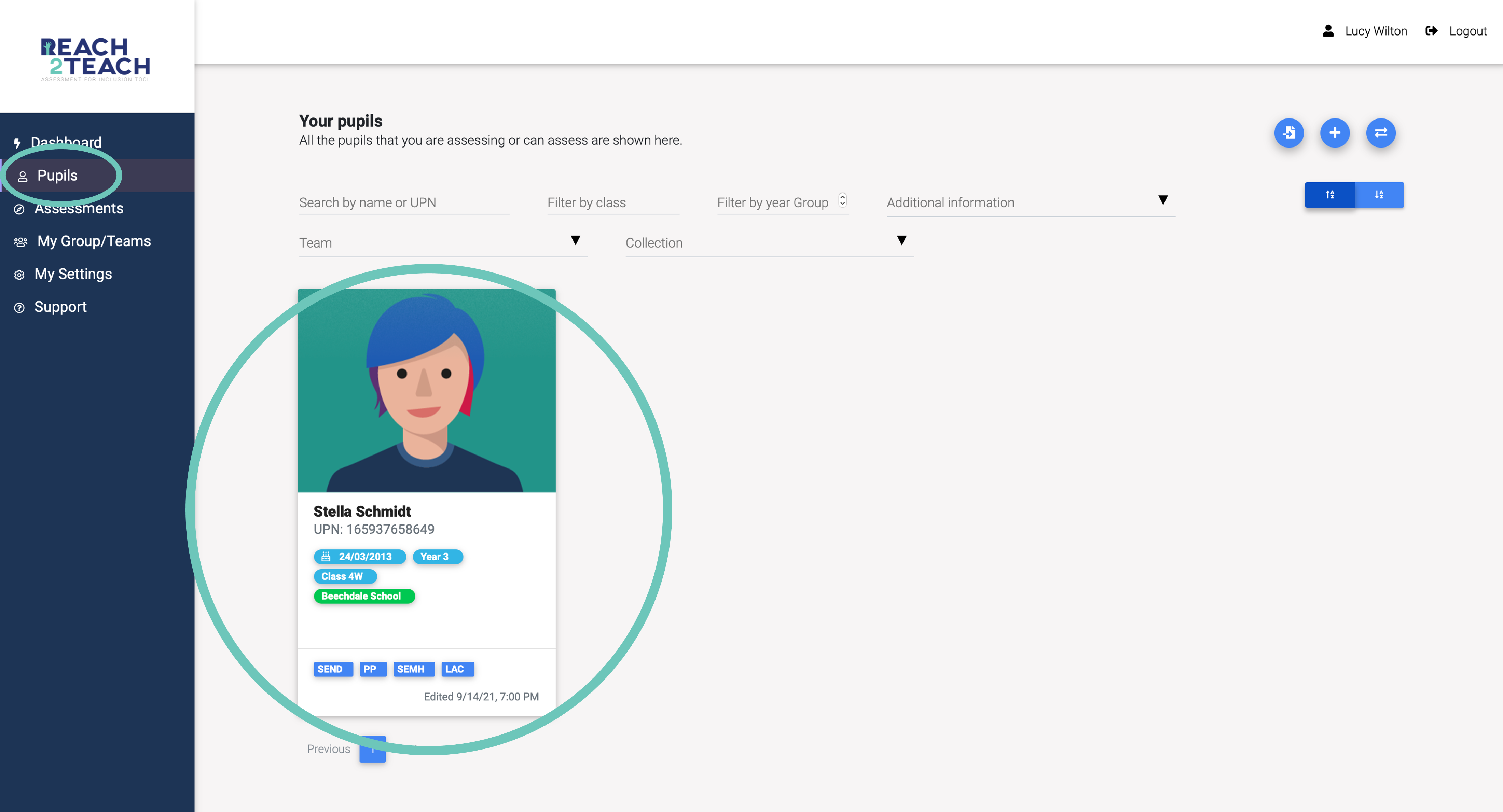
In Pupils section, select the pupil you wish to complete a Needs Analysis on.
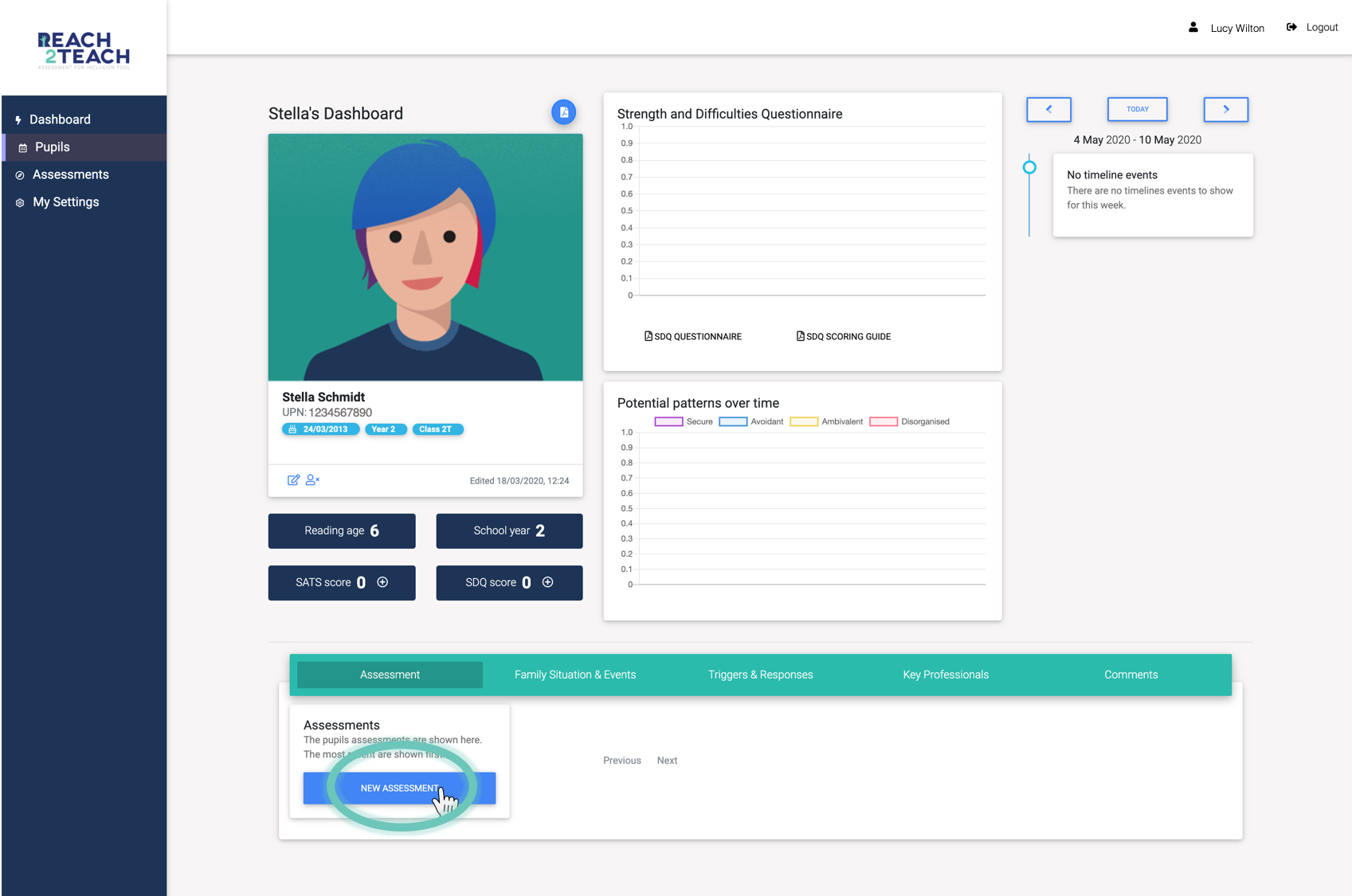
On the pupil’s dashboard select New Needs Analysis & Plan.
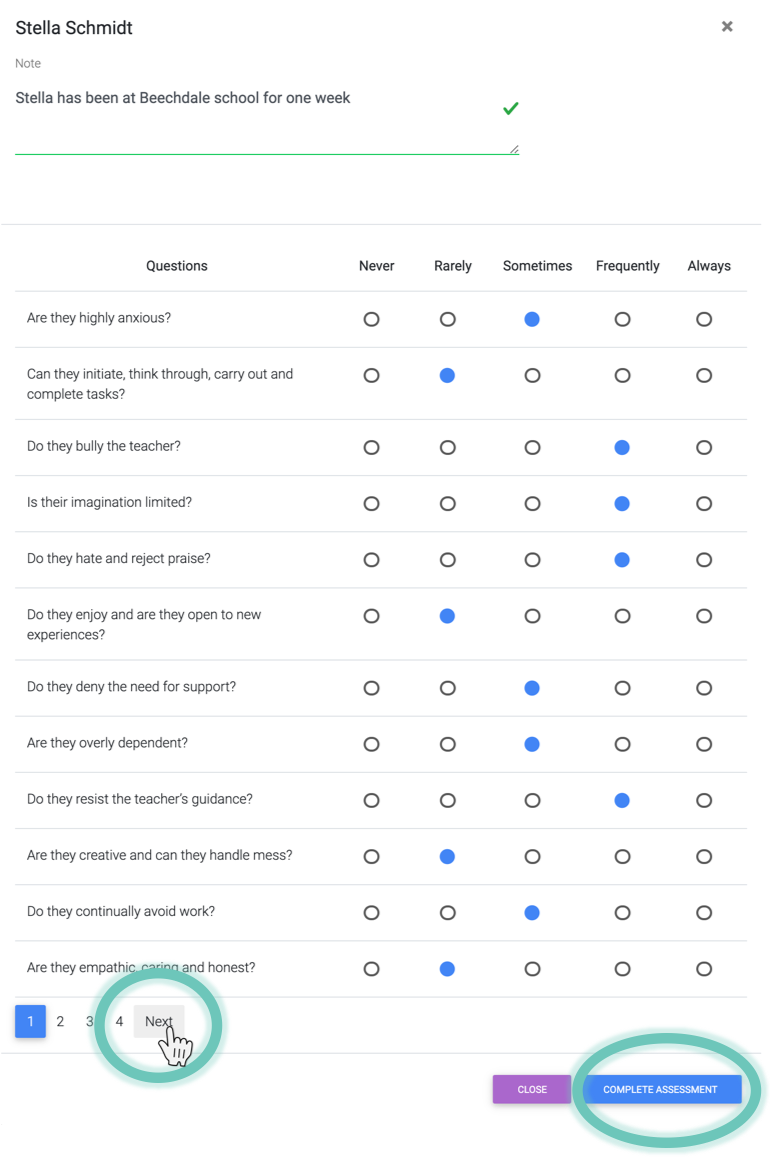
You can make a note at the top of the Needs Analysis if you wish.
From your experience of the pupil answer the 48 questions by selecting Never, Rarely, Sometimes, Frequently or Always. Press next to move to the next page of questions.
When you have completed all four pages select Complete Needs Analysis.
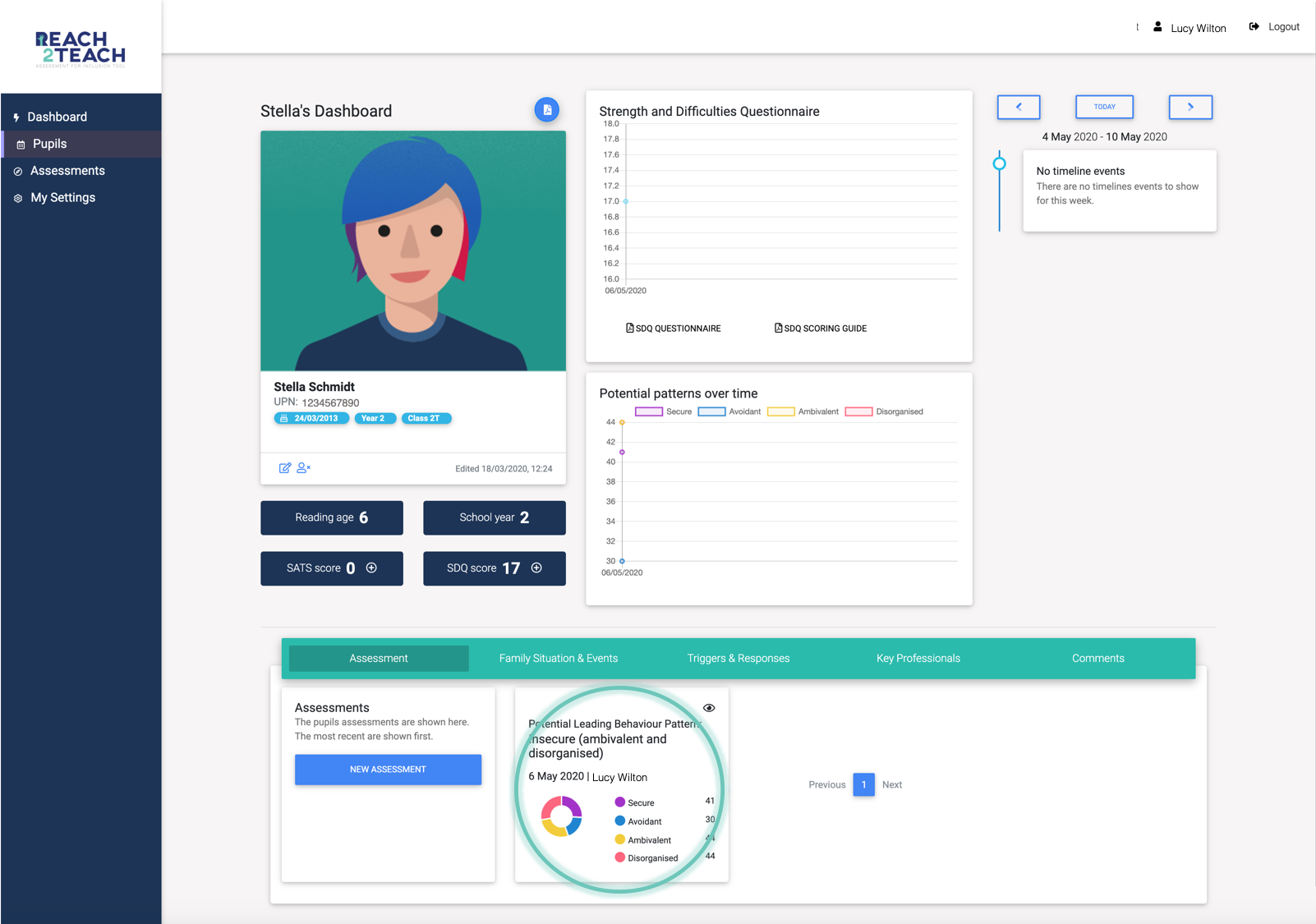
The completed Needs Analysis will appear automatically on the pupil’s dashboard and the Potential patterns over time graph will be updated.