
Transferring the Reach2Teach Lead account with admin rights to someone else or adding a Reach2Teach Lead (Reach2Teach Lead only)
E.g. If you have bought Reach2Teach AFIT on behalf of someone else or you are leaving the organisation and need to transfer the Reach2Teach Lead account with the admin rights or you would like multiple Reach2Teach Leads:
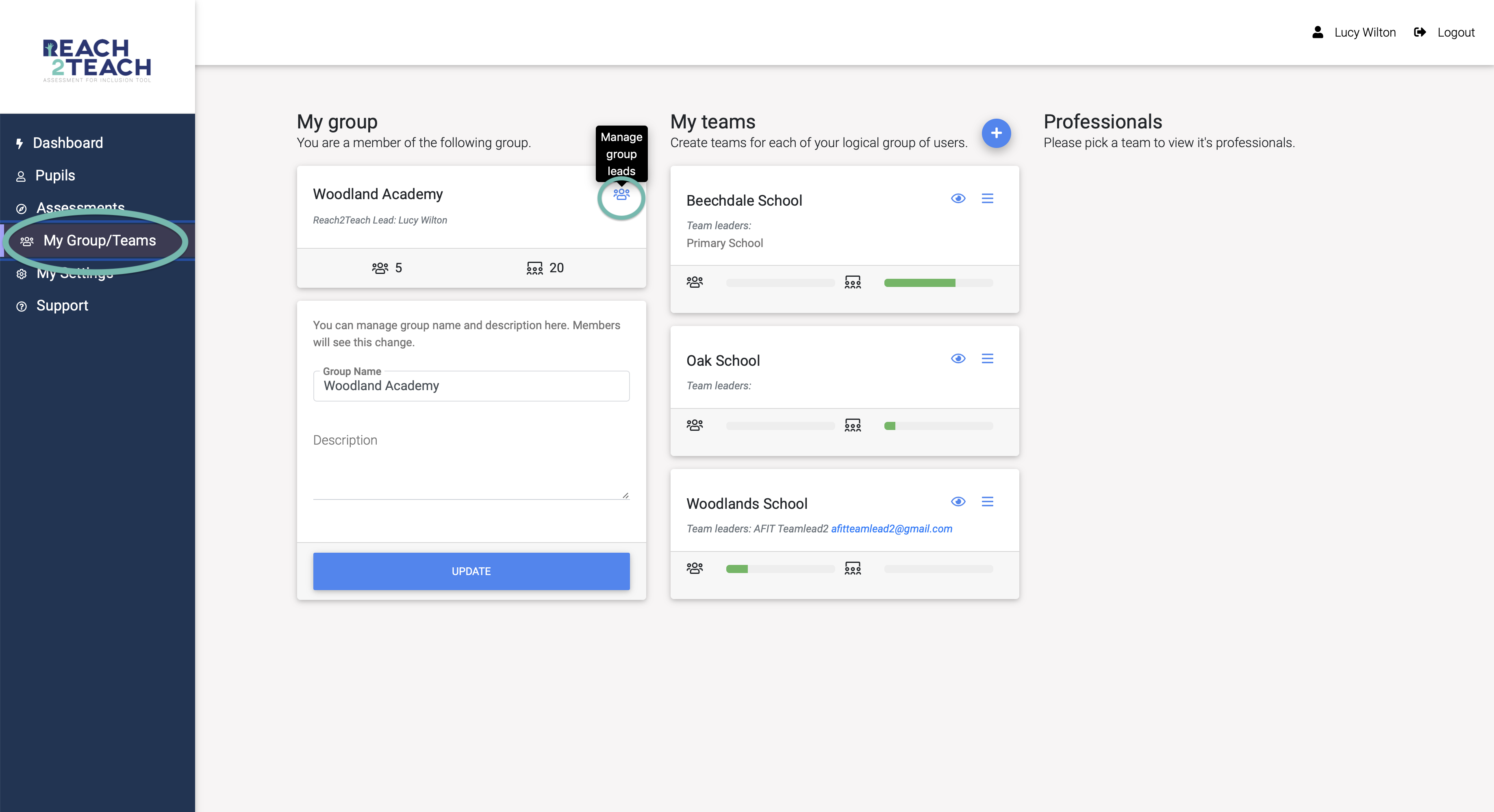
Click on My Group/Teams in the left-hand menu bar.
Click on the people icon (Manage Group Leads) under the Reach2Teach Lead section.
Invite new Reach2Teach lead (by adding their name and email address) and send invitation.
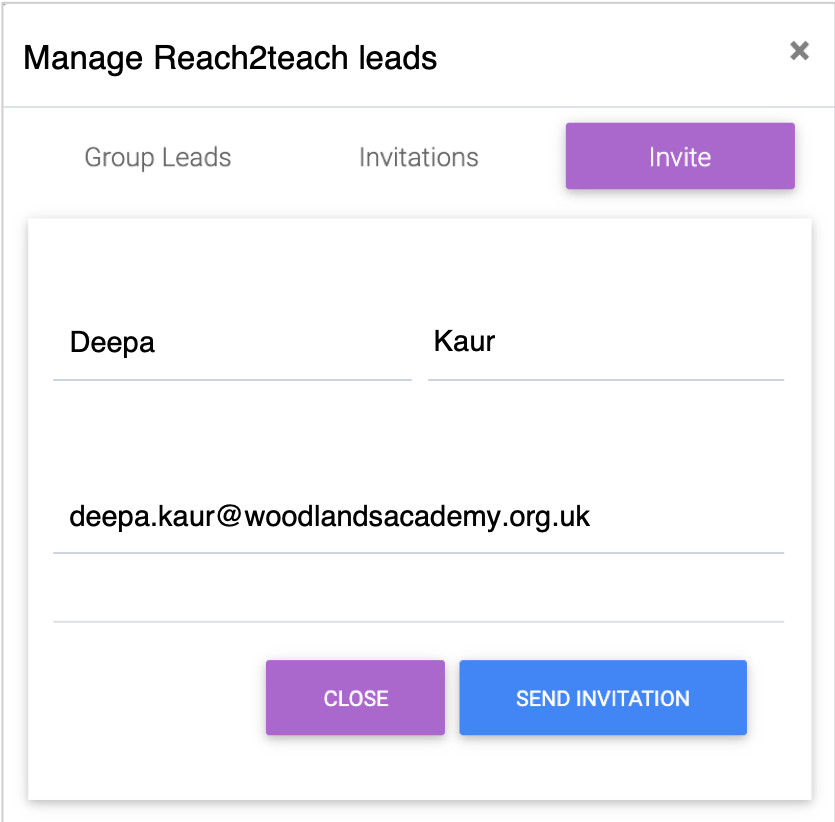
The new Reach2Teach lead will be sent an email so that they can activate their account and remove you from the account if desired.