
Editing a pupil, adding additional information and an avatar
You can edit and add additional information with a pupil’s dashboard.
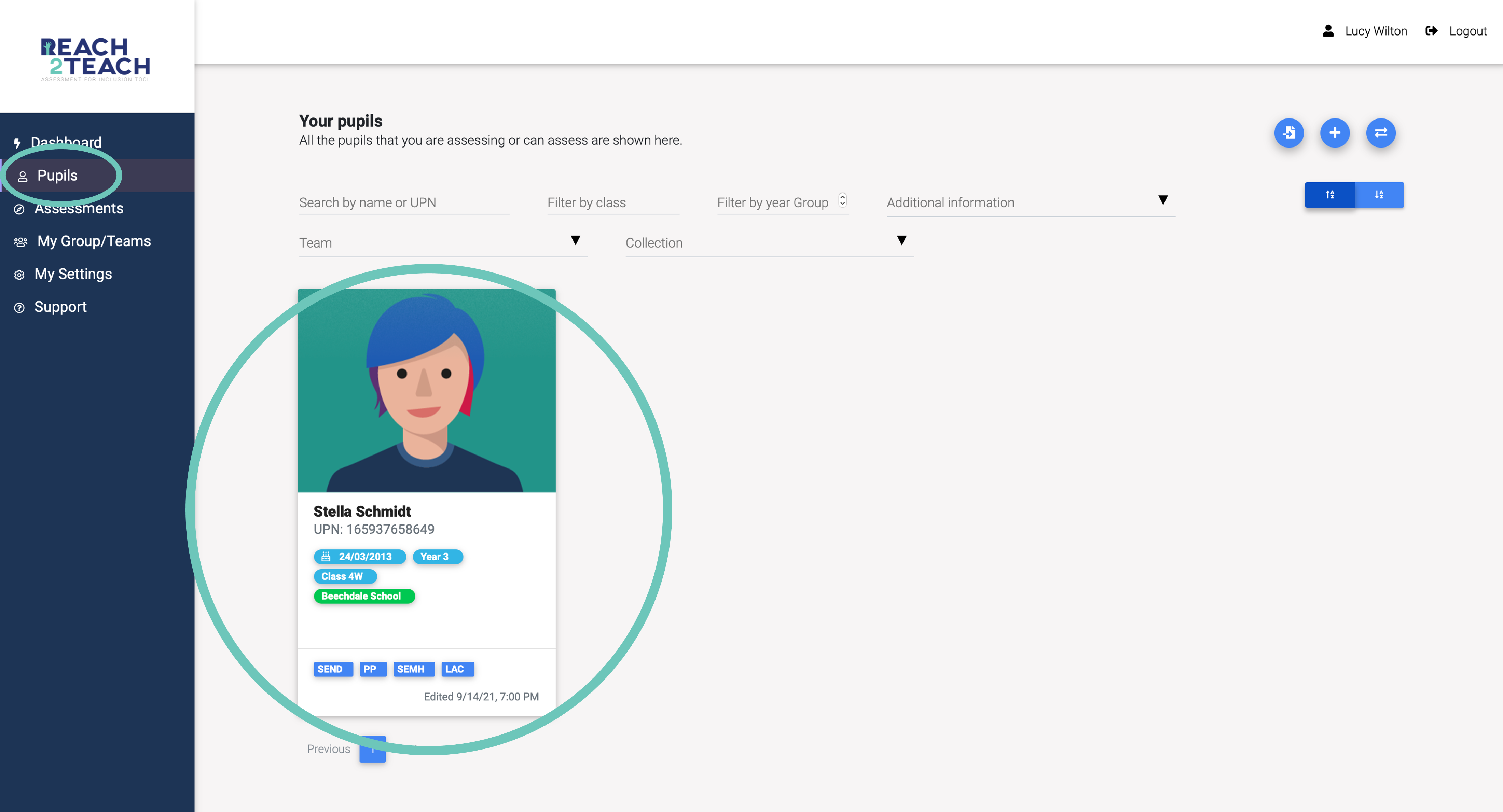
In Pupils section, select the pupil you wish to edit or add additional information.
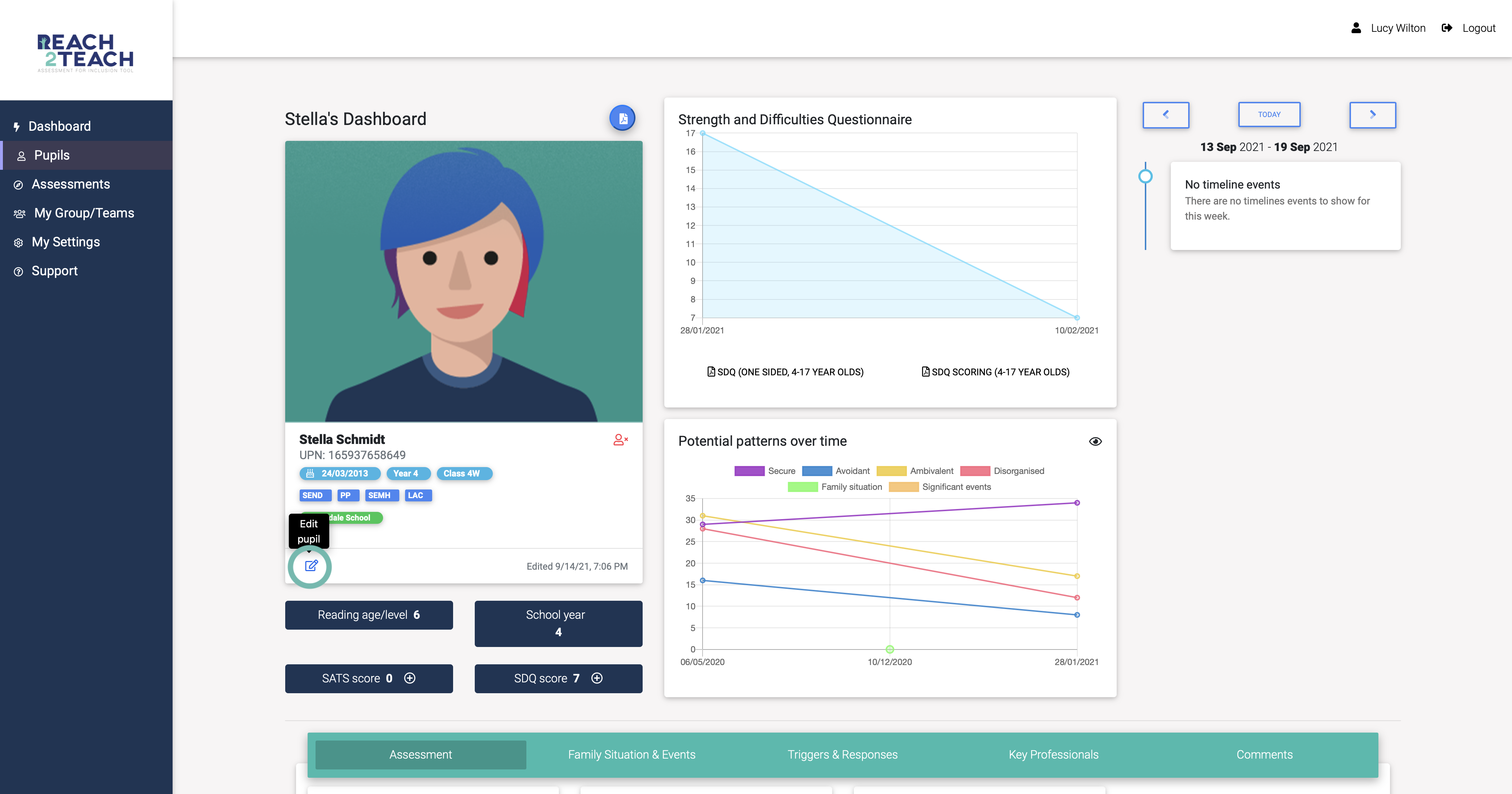
Select the Edit pupil icon.
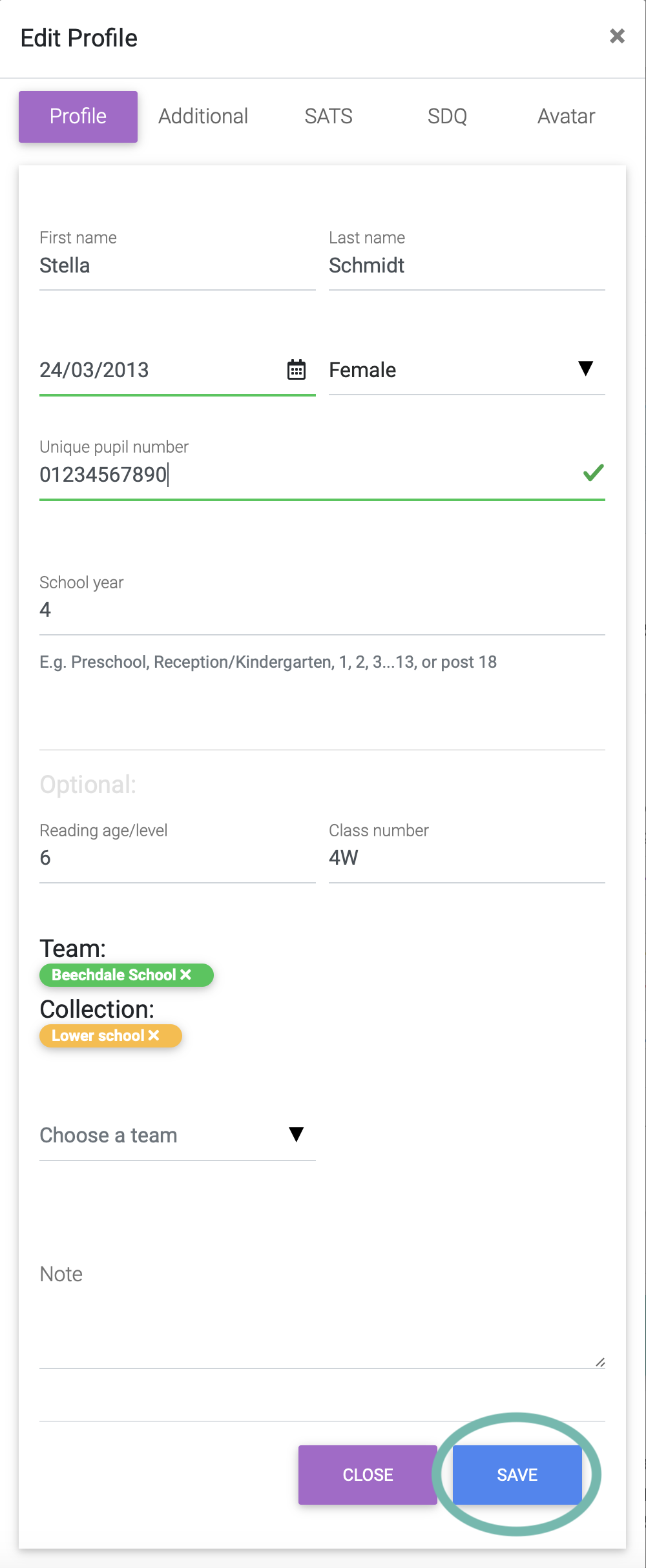
Amend information, add or remove from Teams and Collections and select Save.
N.B. for School Year make sure you fill in the pupil’s year group e.g. Preschool, Reception/Kindergarten, 1, 2, 3…13, or post 18
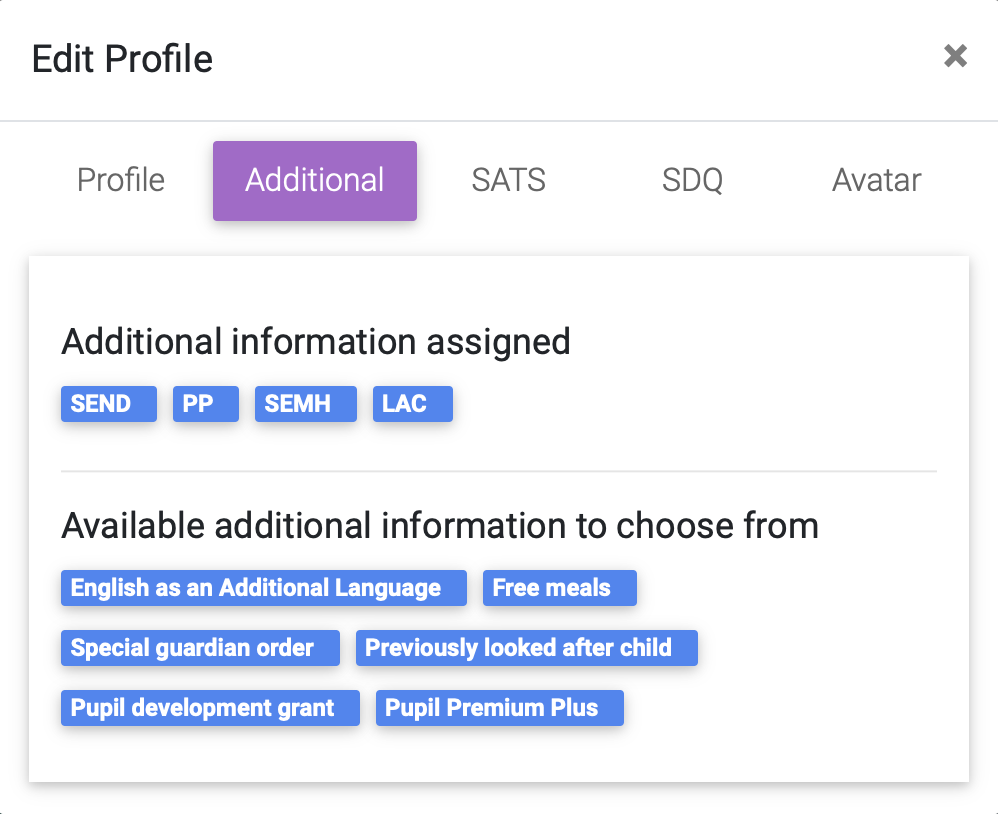
Add Additional information (e.g. English as an additional language SEND, SEMH, Free meals, Pupil Premium etc). This will be saved automatically and appear on the pupil’s dashboard and card.
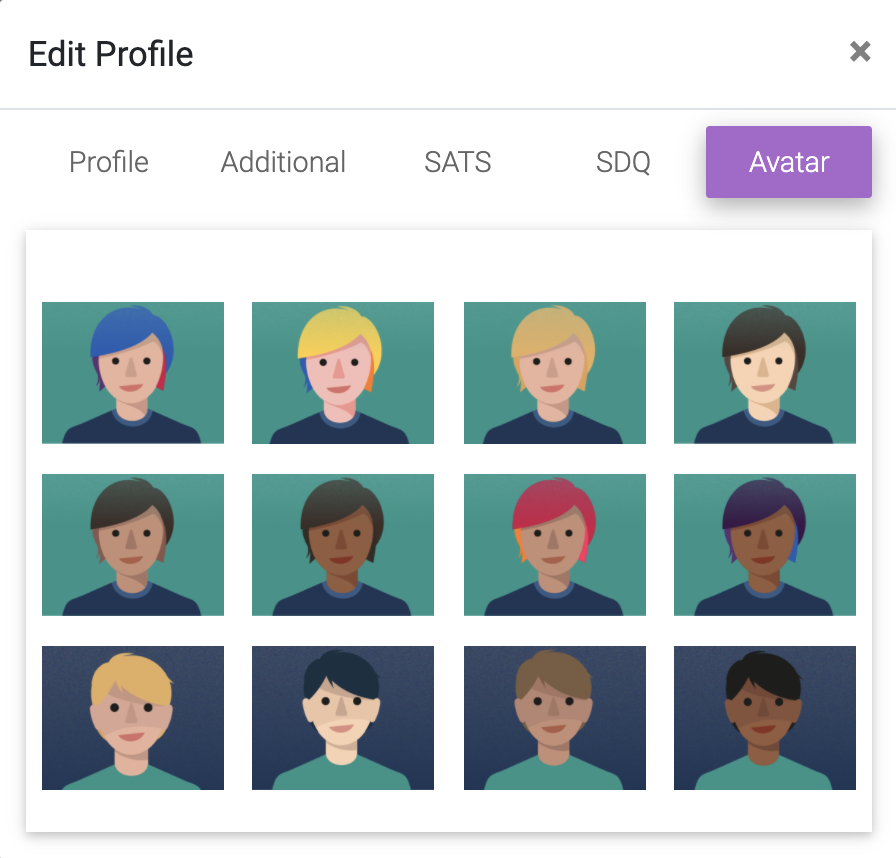
Add an avatar for a pupil to their dashboard and card.
In this section you can also add an SDQ score and a SATS score (see relevant sections).