Archiving and unarchiving a Needs Analysis
You can archive an incomplete or complete pupil Needs Analysis if it is no longer relevant and unarchive it if you require it at a later date
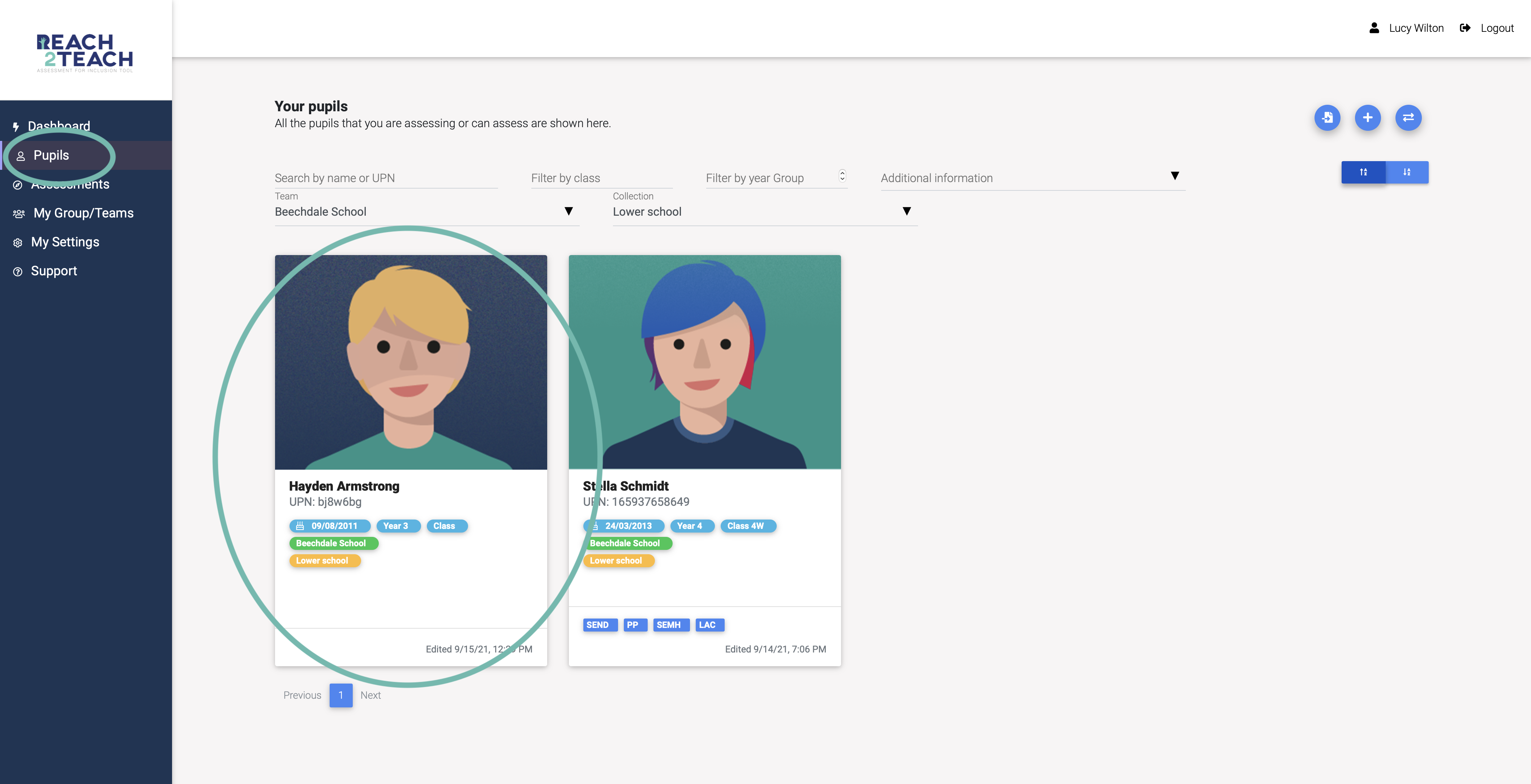
In Pupils section, select the pupil you require
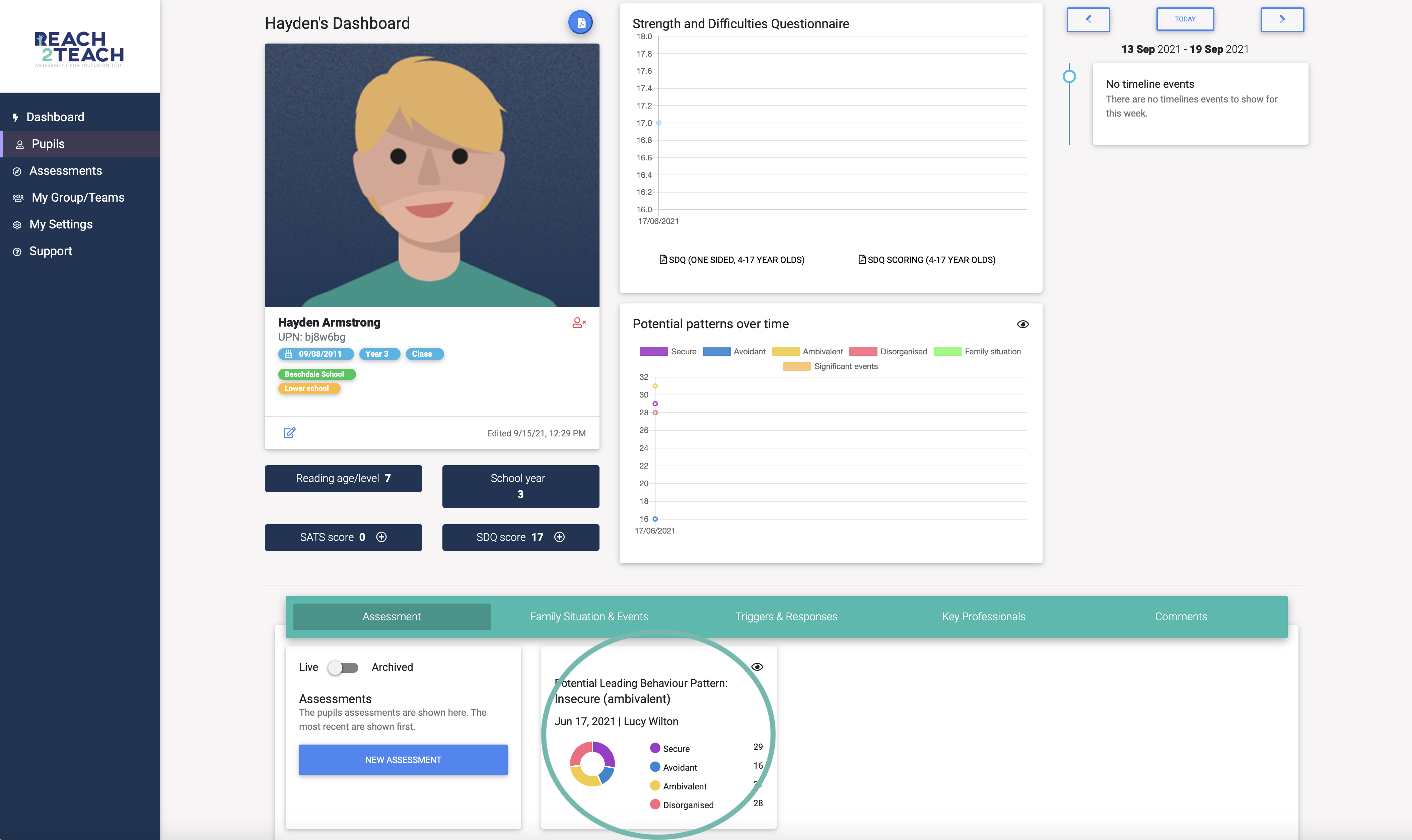
To archive a completed Needs Analysis – Open the Needs Analysis you want to archive
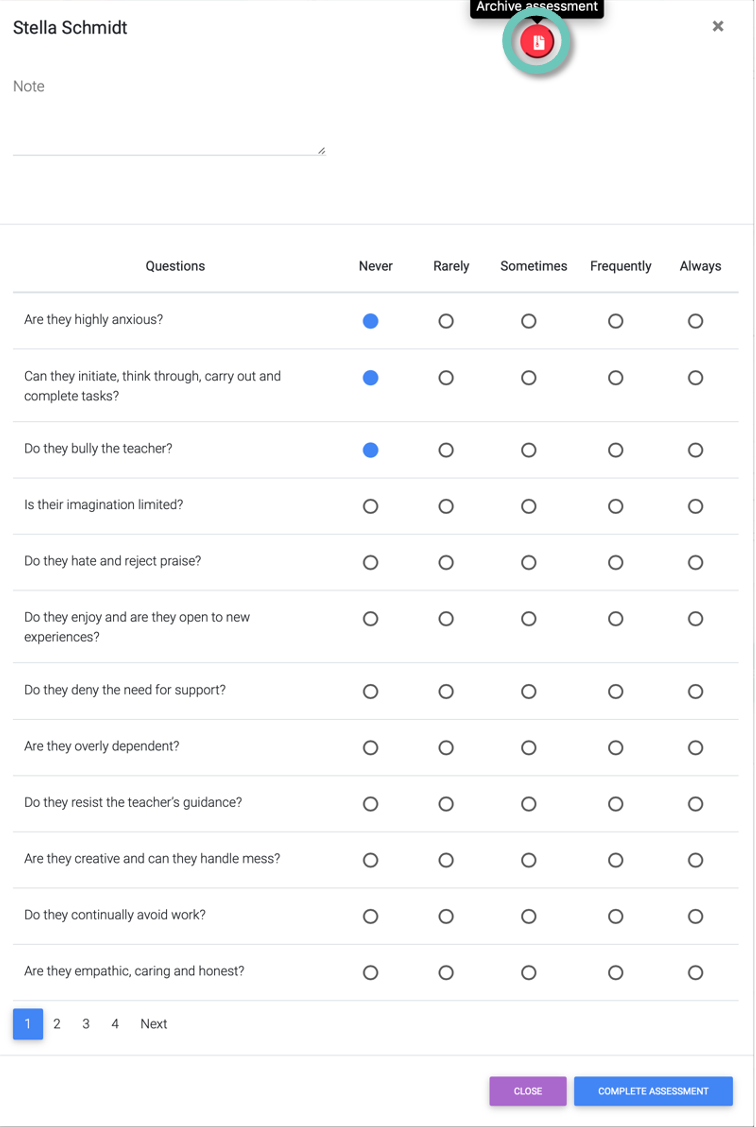
Select the red Archive Needs Analysis icon
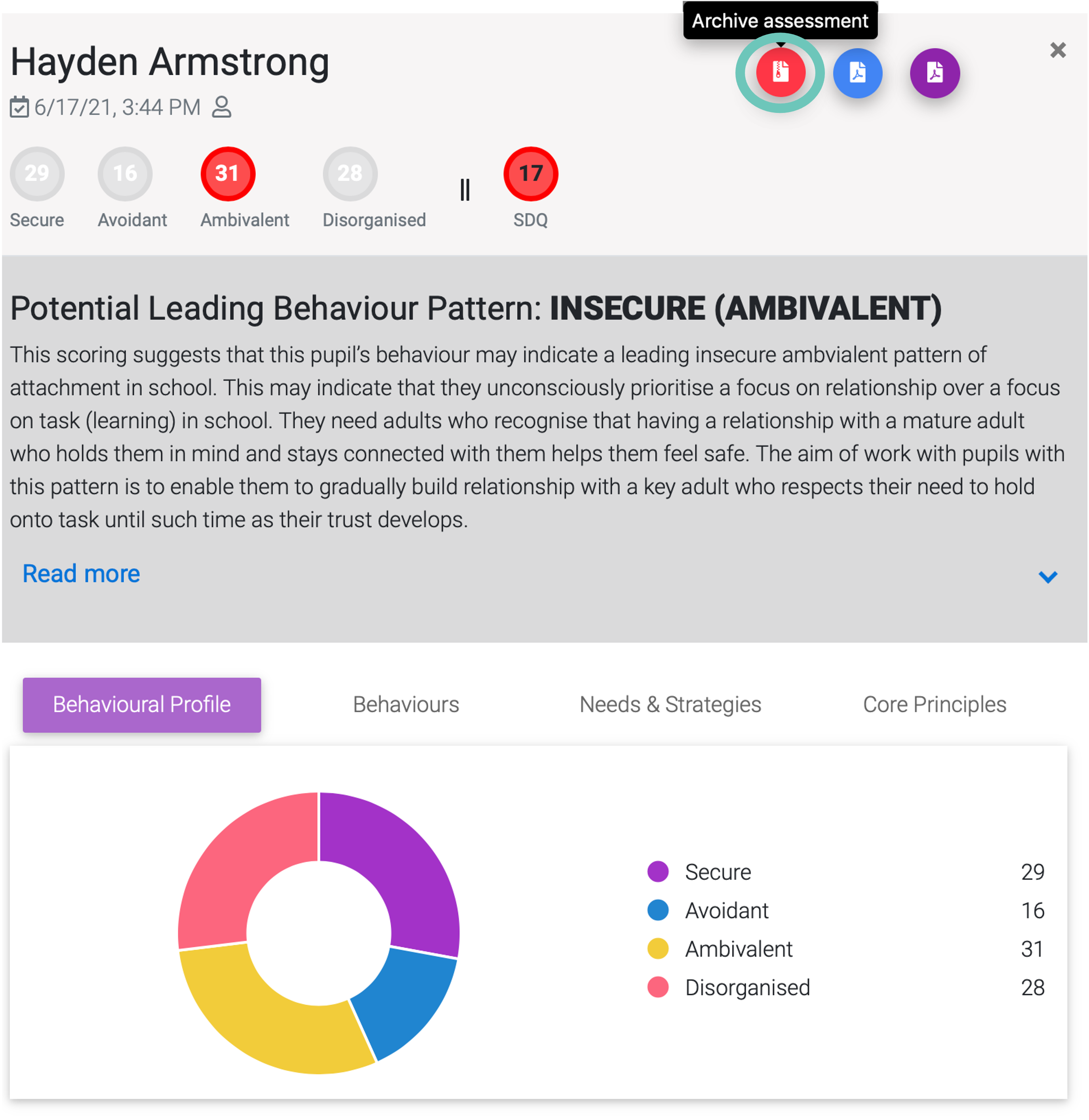
The needs analysis will be removed from your live Needs Analysis & Plan tab, but will remain under the archived Needs Analysis should you require it at a later date
To archive an incomplete Needs Analysis – Open the incomplete Needs Analysis you want to archive
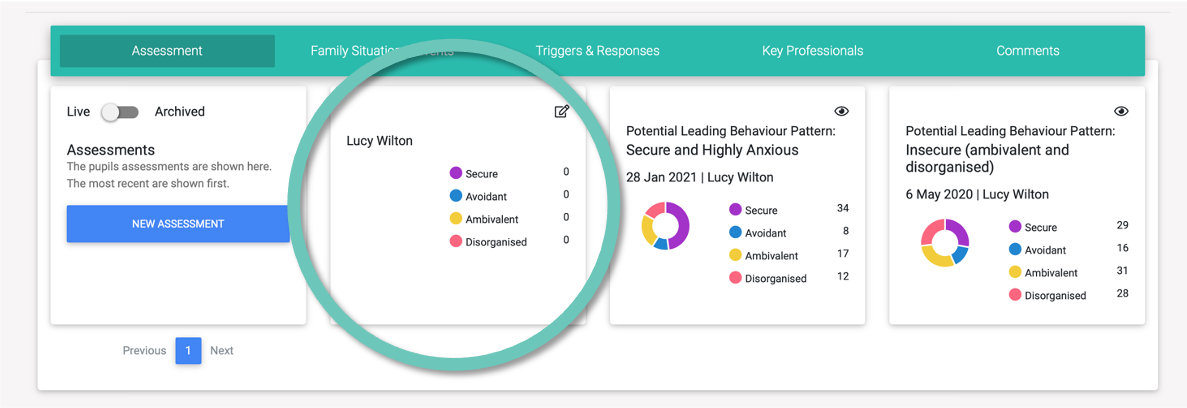
Select the red Archive Needs Analysis icon
The Needs Analysis will be removed from your live Needs Analysis & Plan tab, but will remain under the archived Needs Analysis should you require it at a later date
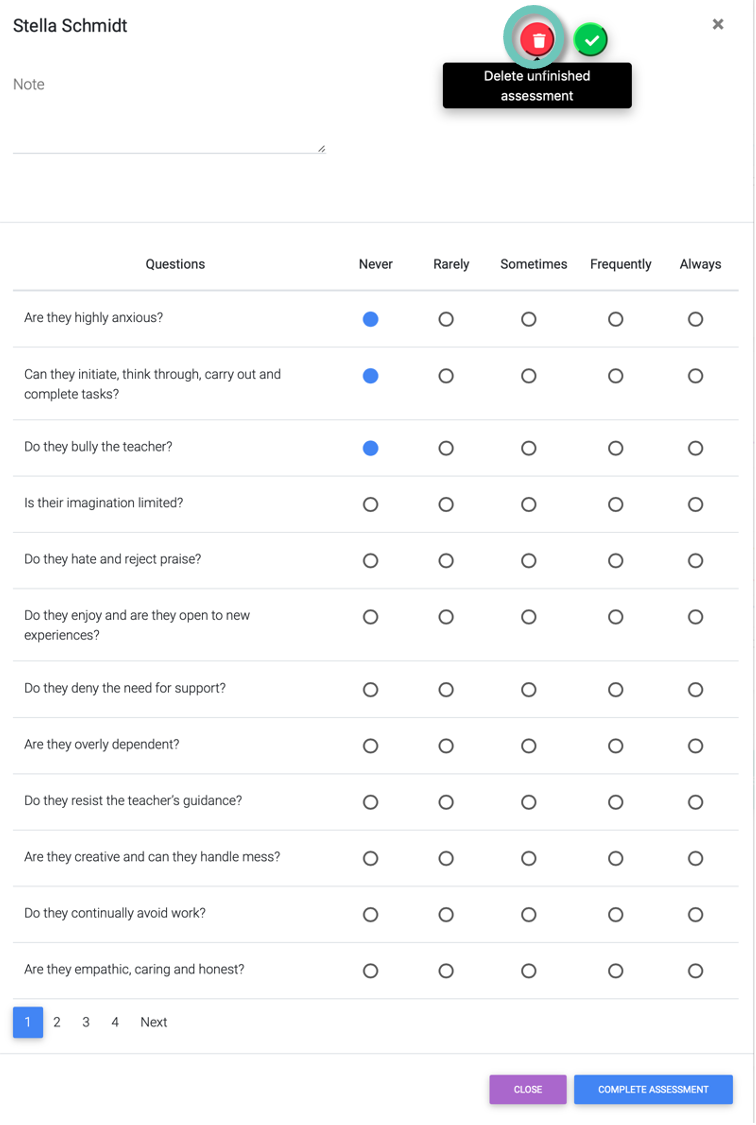
To permanently delete an incomplete Needs Analysis – Go to your Archived Needs Analysis and open the Needs Analysis you want to permanently delete. Click on the red delete unfinished Needs Analysis icon. The unfinished Needs Analysis will now be permanently deleted.
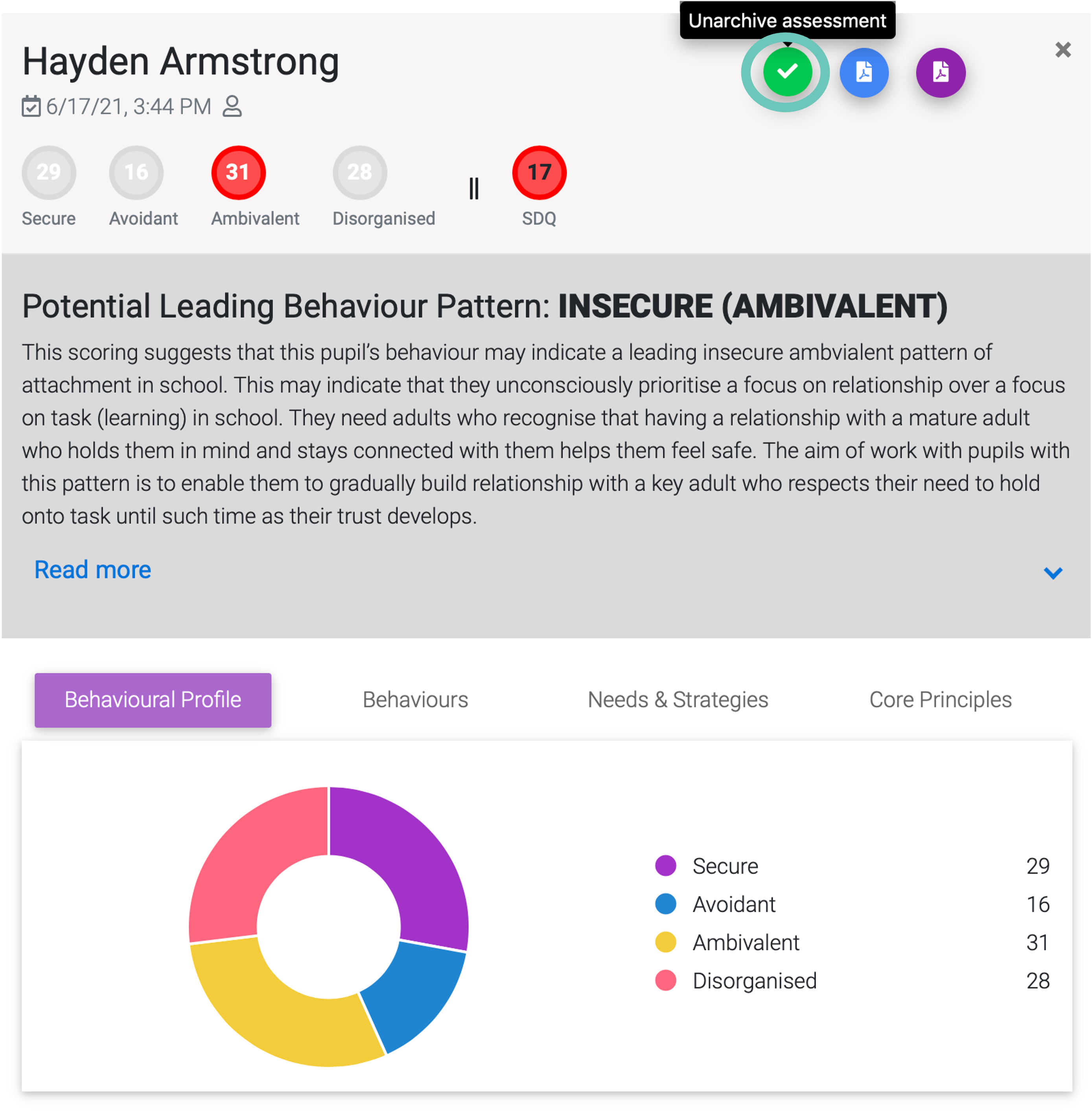
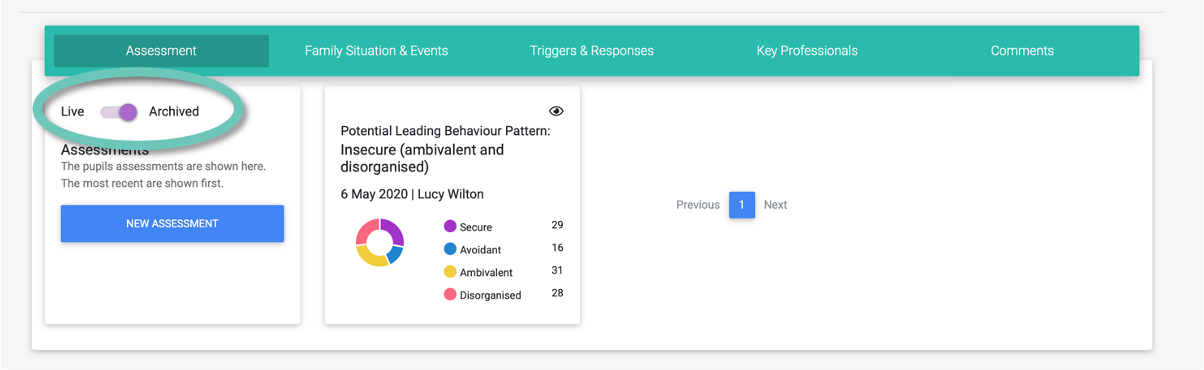
To unarchive a Needs Analysis (complete or incomplete) go to the Needs Analysis & Plan tab and slide the slider to archived (as shown above). Open the Needs Analysis you wish to unarchive and select the green tick Unarchive Needs Analysis icon. The Needs Analysis should now appear under your live Needs Analysis