
Forgot password
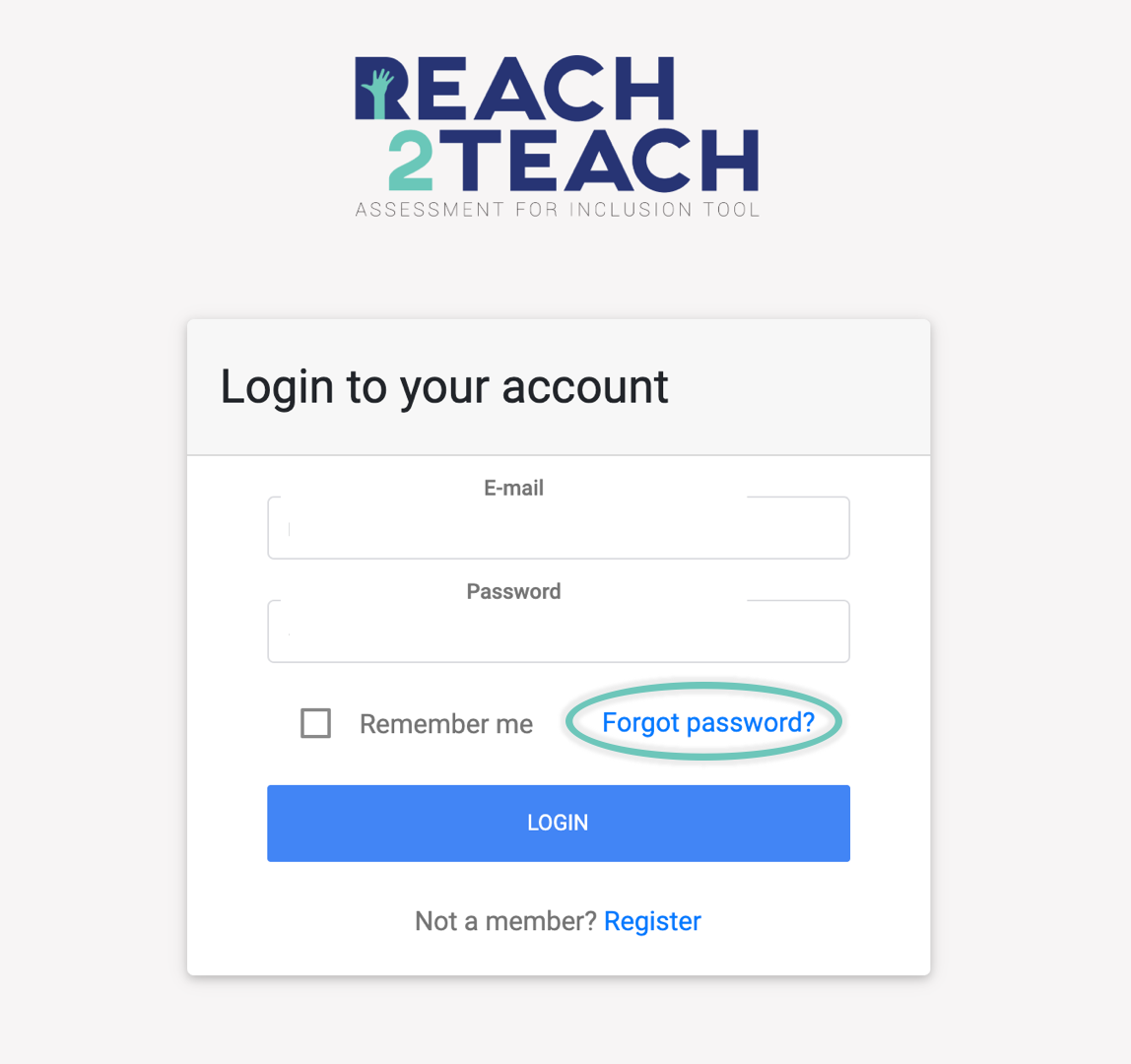
Go to afit.reach2teach.net/login and select forgot password?
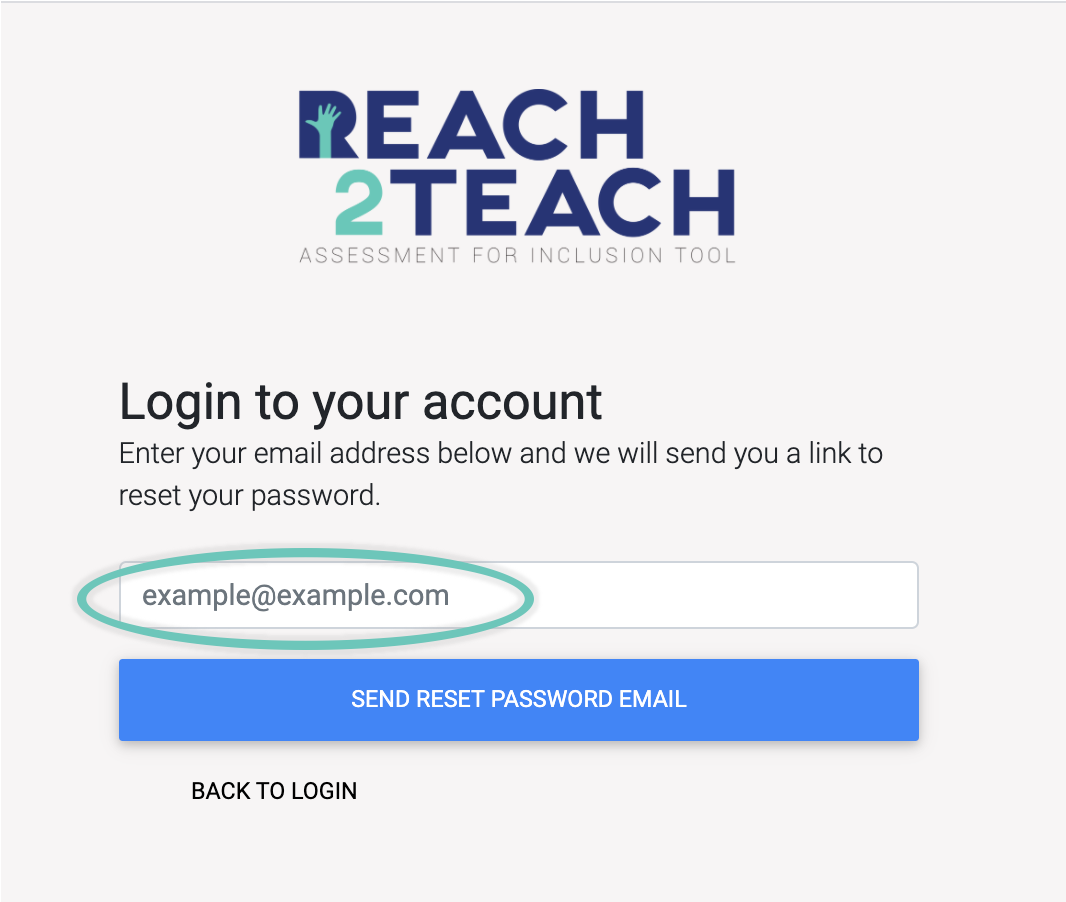
Enter the password your Reach2Teach AFIT account is registered with and select Send Reset Password Email.
An email will be sent to your inbox titled Reset password for Reach2Teach, open it and select the button Reset password. Enter your New password, confirm new password and select Continue.
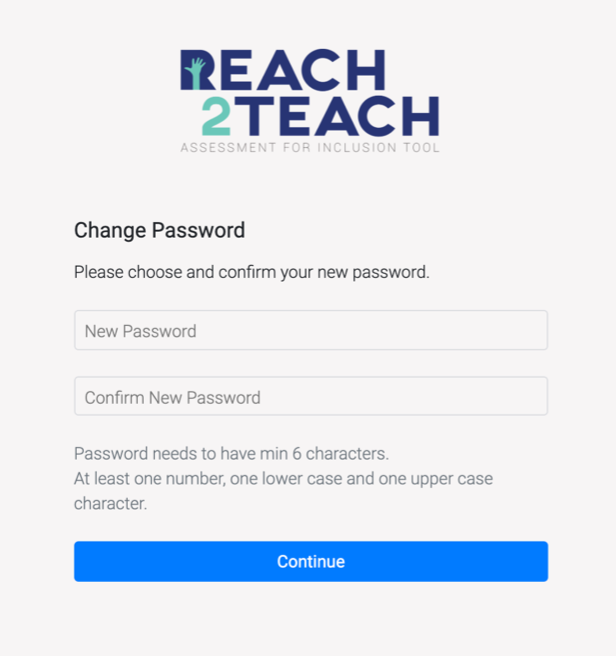
Next time you log into Reach2Teach AFIT, use the new password you have entered here.