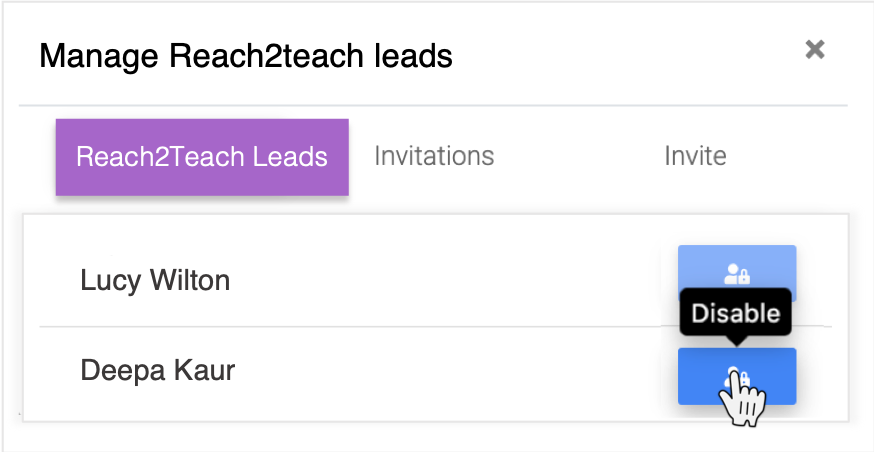
Removing a Reach2Teach Lead (Reach2Teach Lead only)
E.g. If the Reach2Teach Lead account has been transferred to you and you need to remove someone who no longer needs to be a Reach2Teach Lead:
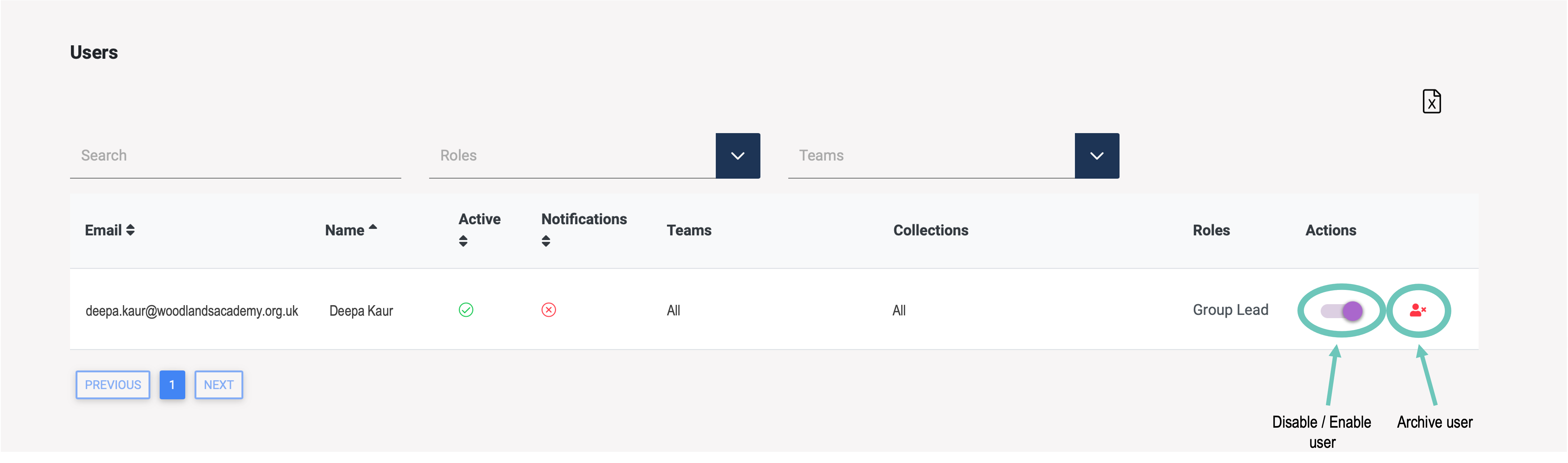
Click on My Users in the left-hand menu bar.
Next to the appropriate user, select Disable / Enable to suspend the user’s account or to enable it again
Or select archive user to permanently remove the user’s account.
Or
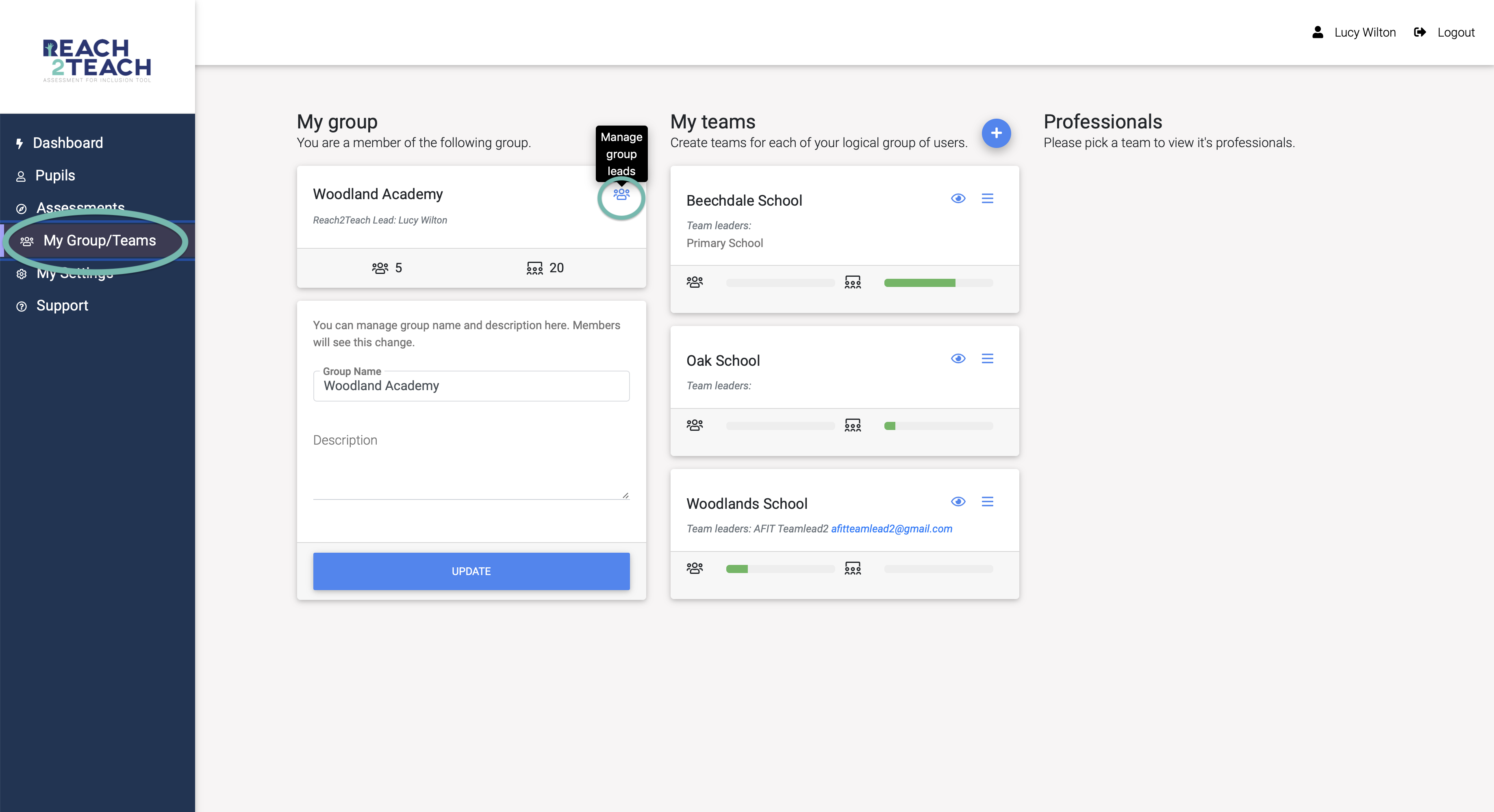
Click My Group/Teams in the left-hand menu bar.
Click the people icon (Manage Group Leads) under the Reach2Teach Lead section.
Select the account you would like to disable.