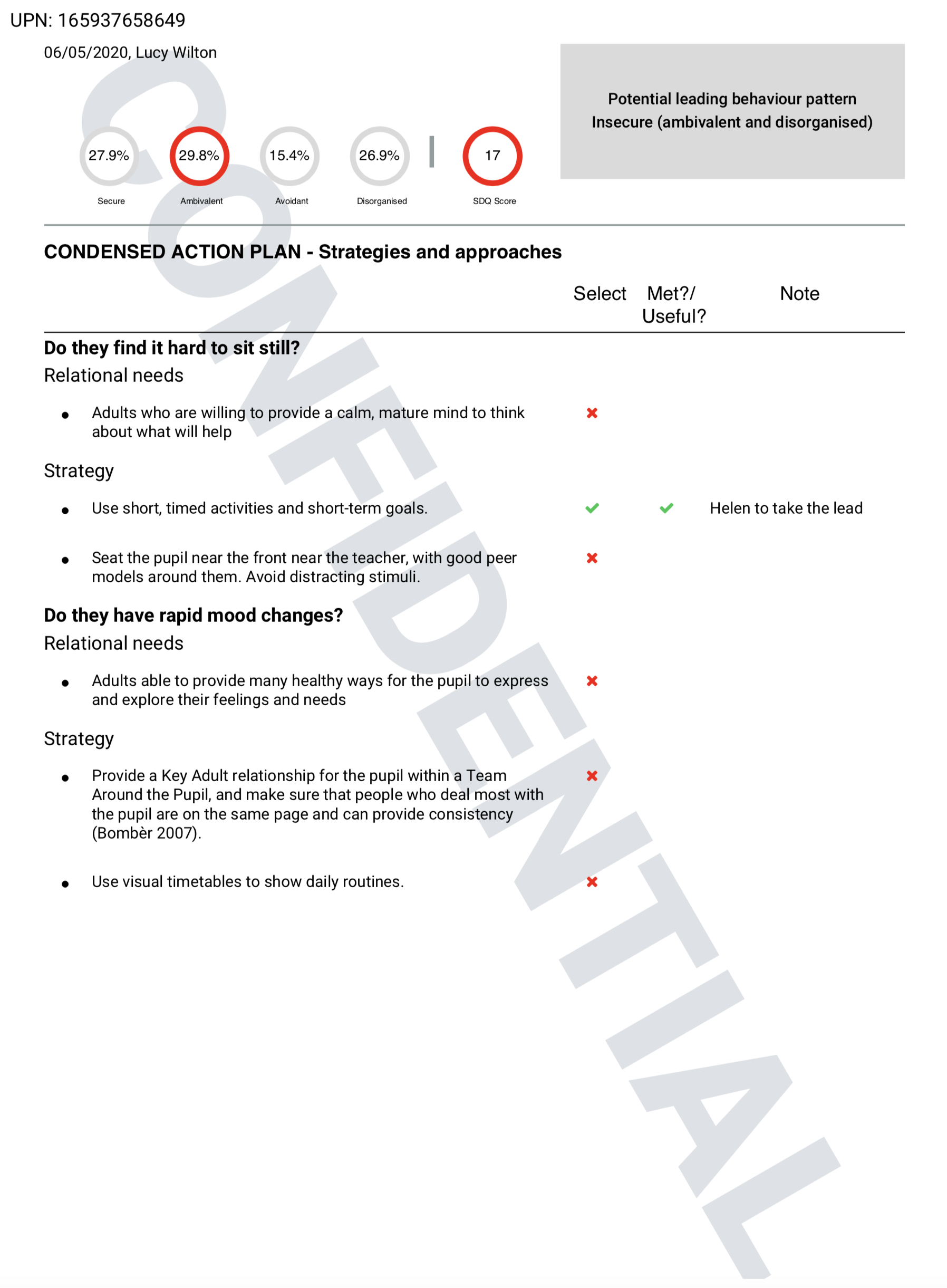
Generating a Needs Analysis & Plan (a Full report and a Condensed action plan)
You can generate pdf reports/plans of an individual Needs Analysis to share, print or attach to documents.
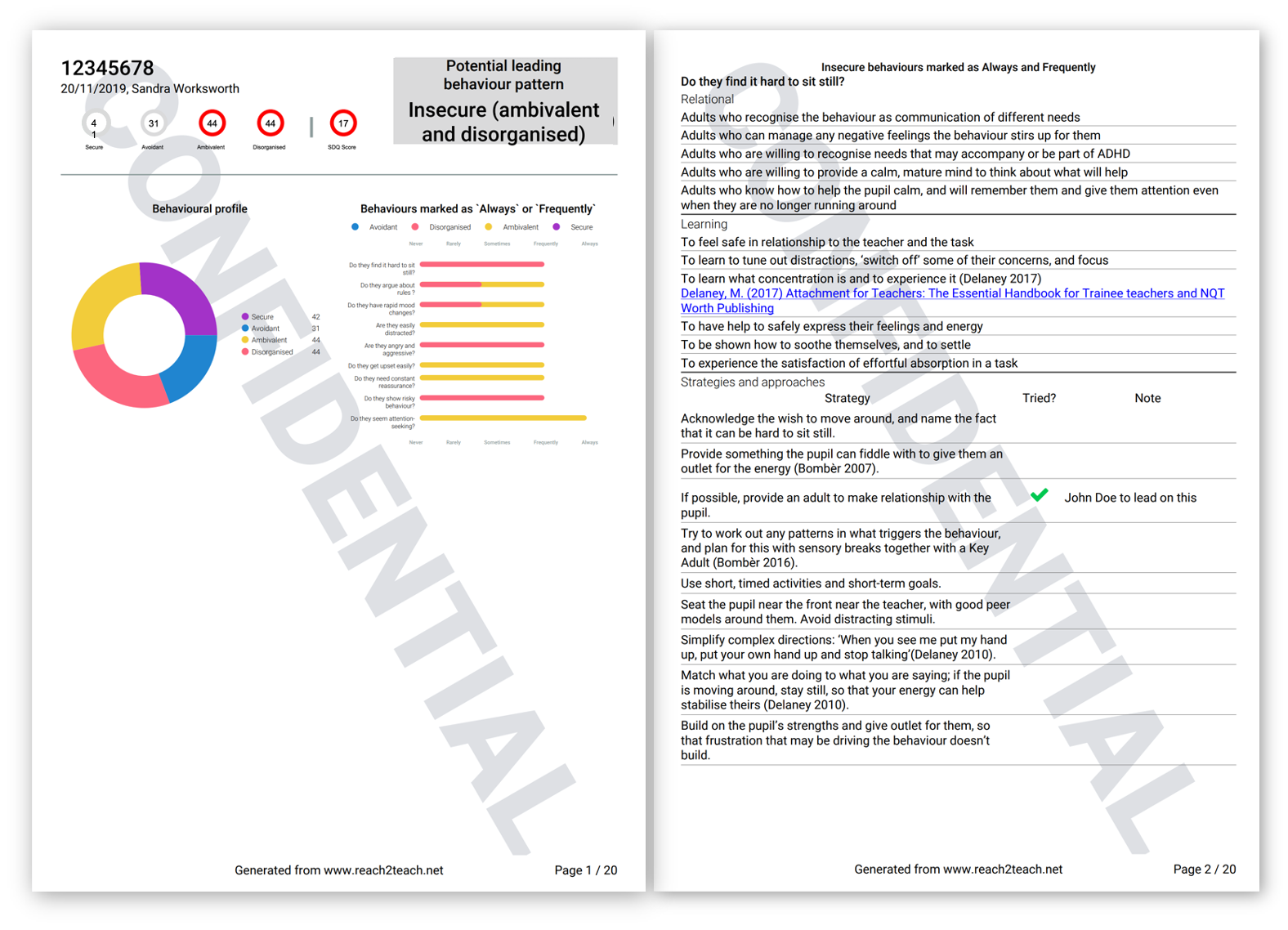
The Full Needs Analysis & Plan will display the behaviour profile and all the behaviours that were marked as ‘Frequently’ and ‘Always” from the completed questionnaire along with the all the needs and strategies related to those behaviours. Any comments you have made on the strategies, whether you have tried them or not and if they were useful will also appear on the report.
The Condensed action plan will allow you to pick and choose relevant needs and/or strategies from specific behaviours to produce a shorter and personalised report
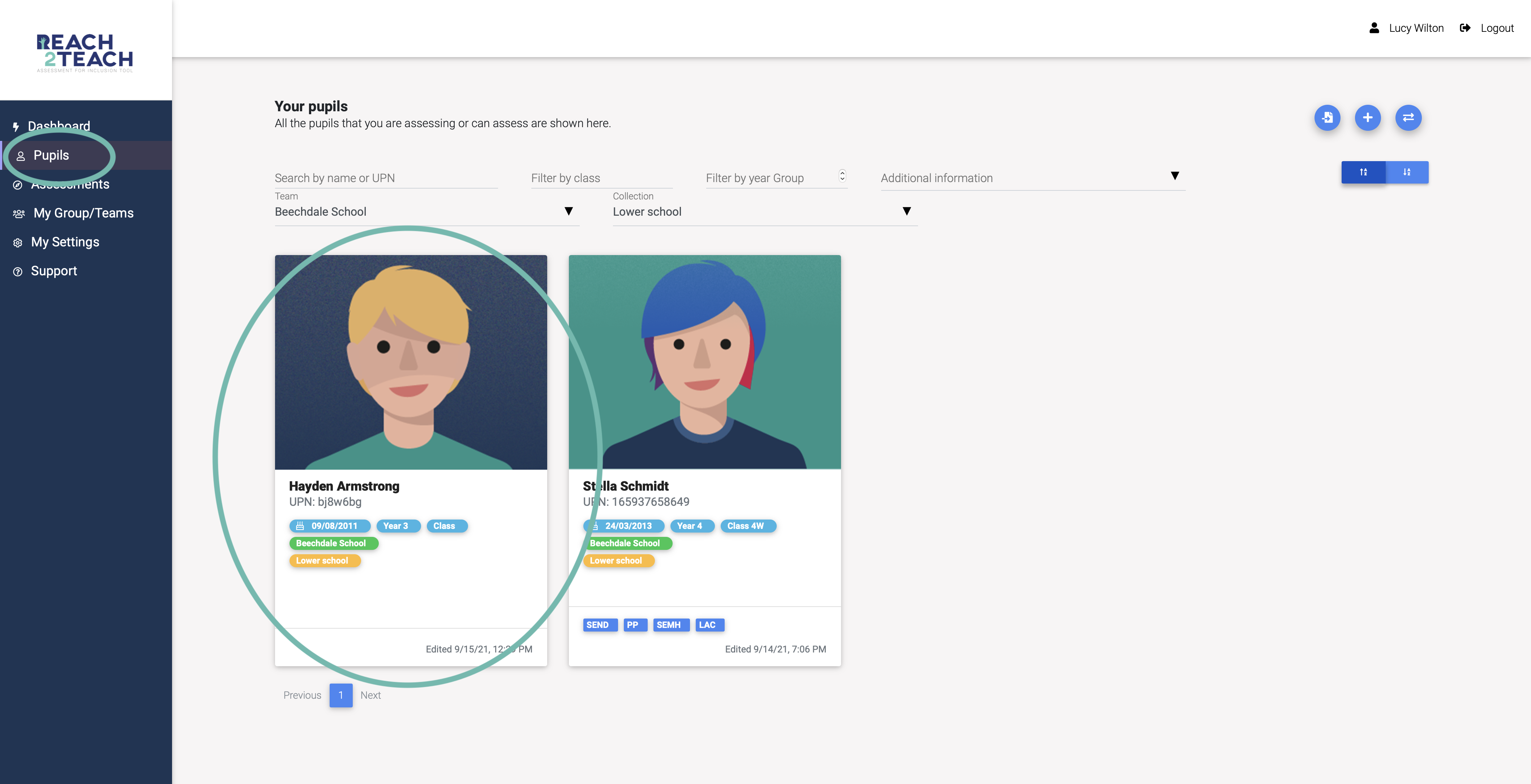
In Pupils section, select the pupil you wish to generate a Needs Analysis & Plan on.
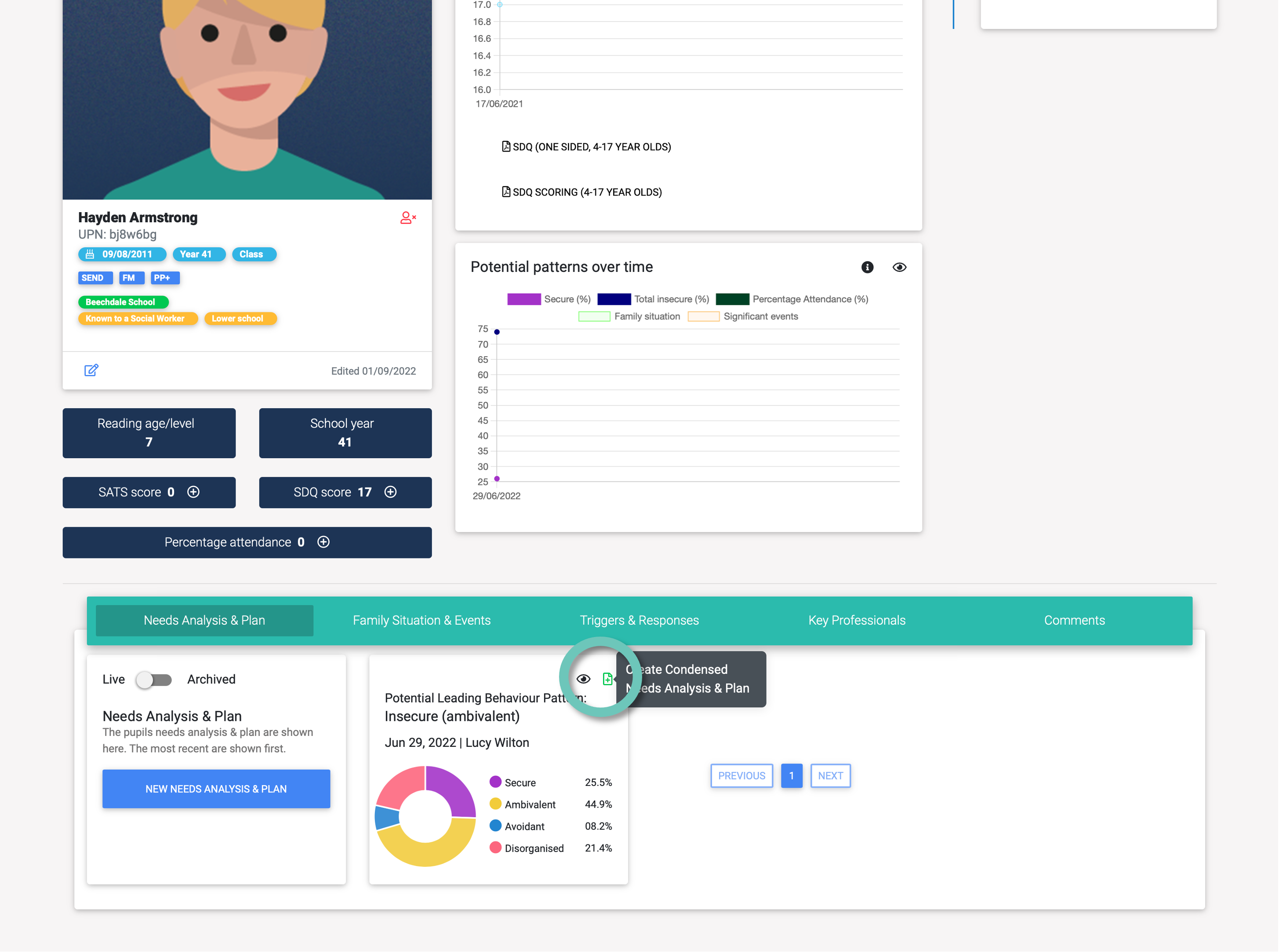
Click on the pdf Create Condensed Action Plan icon on the Needs Analysis tile
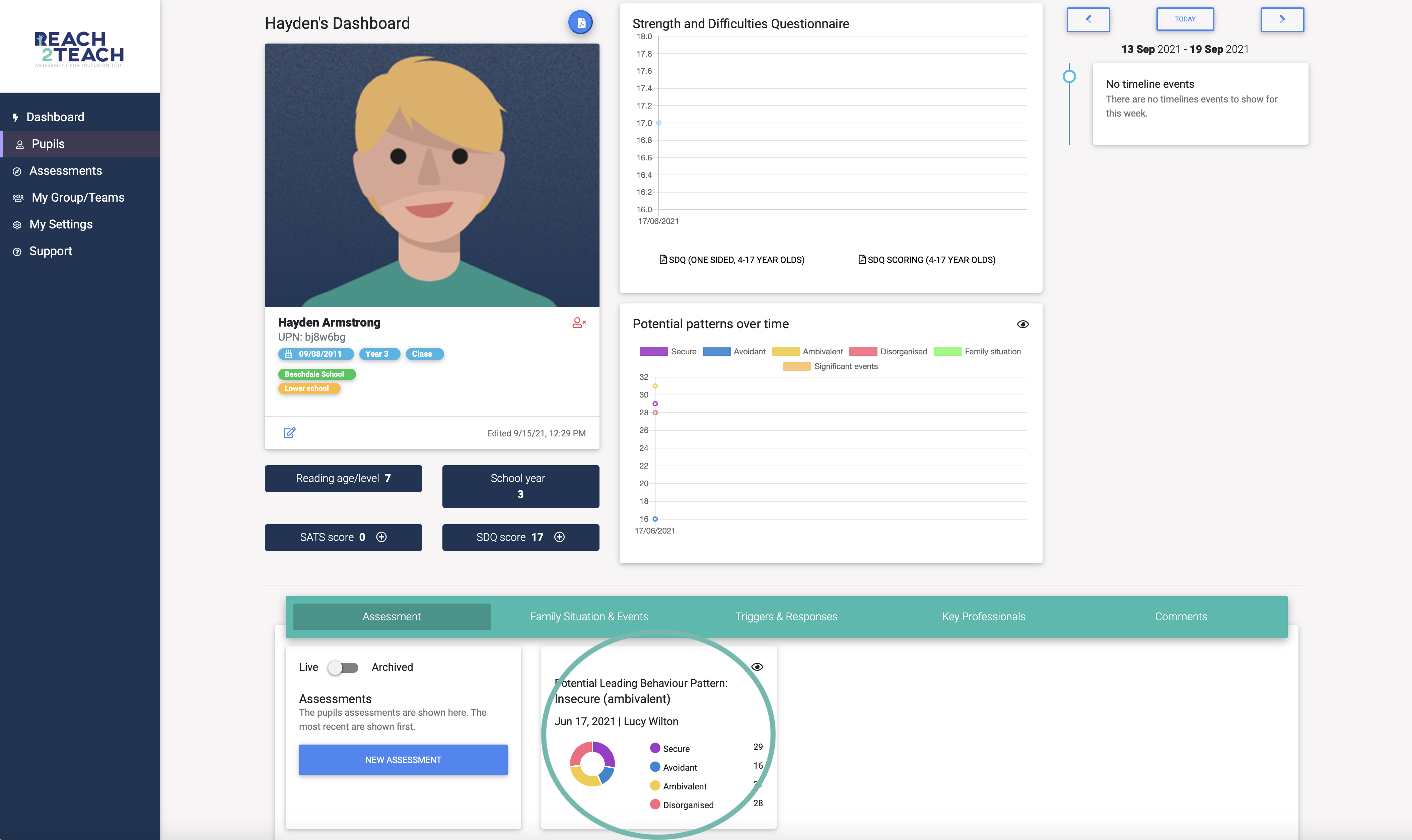
Or
Select the Needs Analysis you want to generate a plan on.
To generate a Full report click on the blue Download full needs analysis & plan pdf symbol
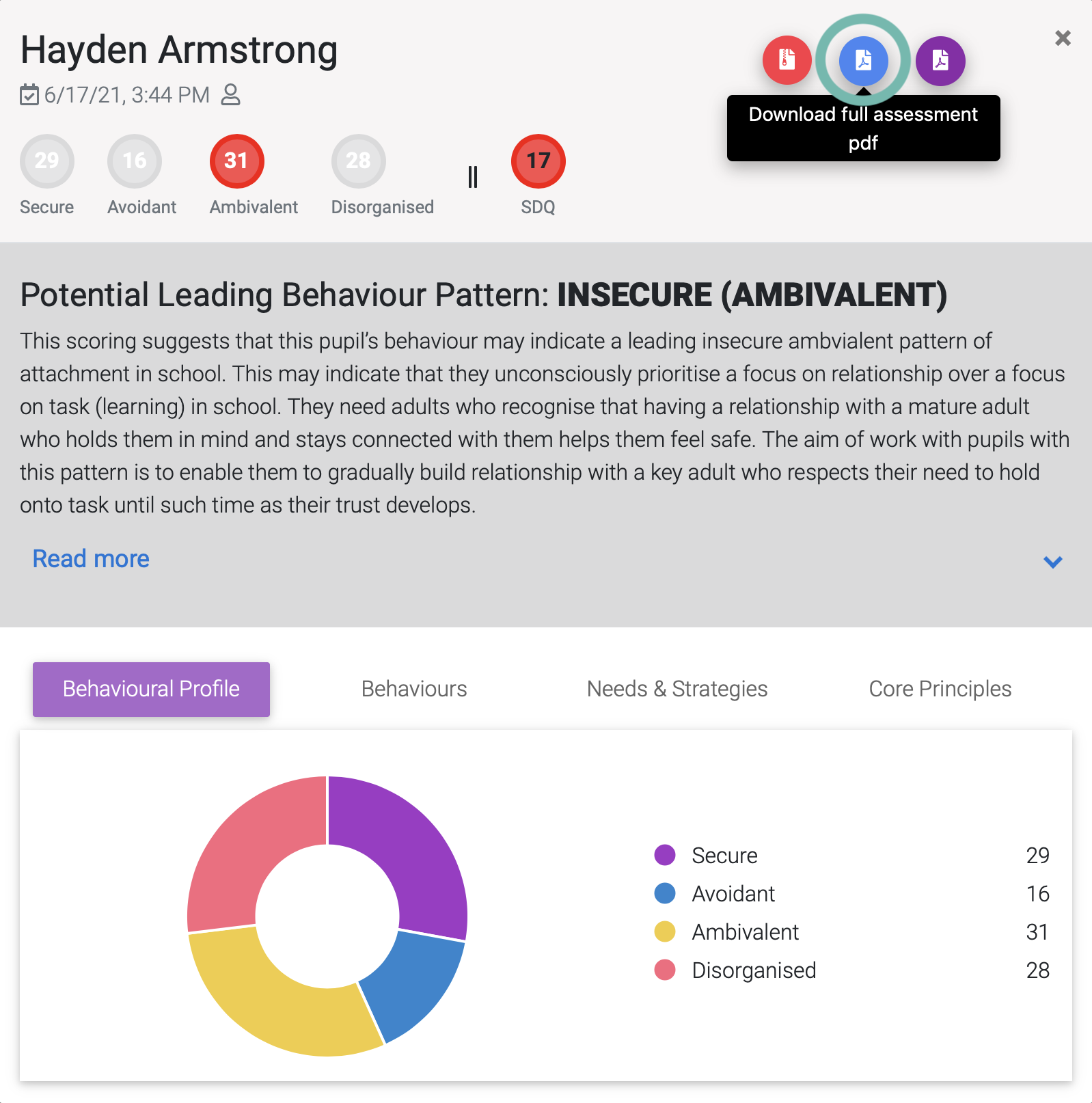
The report will be downloaded for you to save print or attach to other documents.
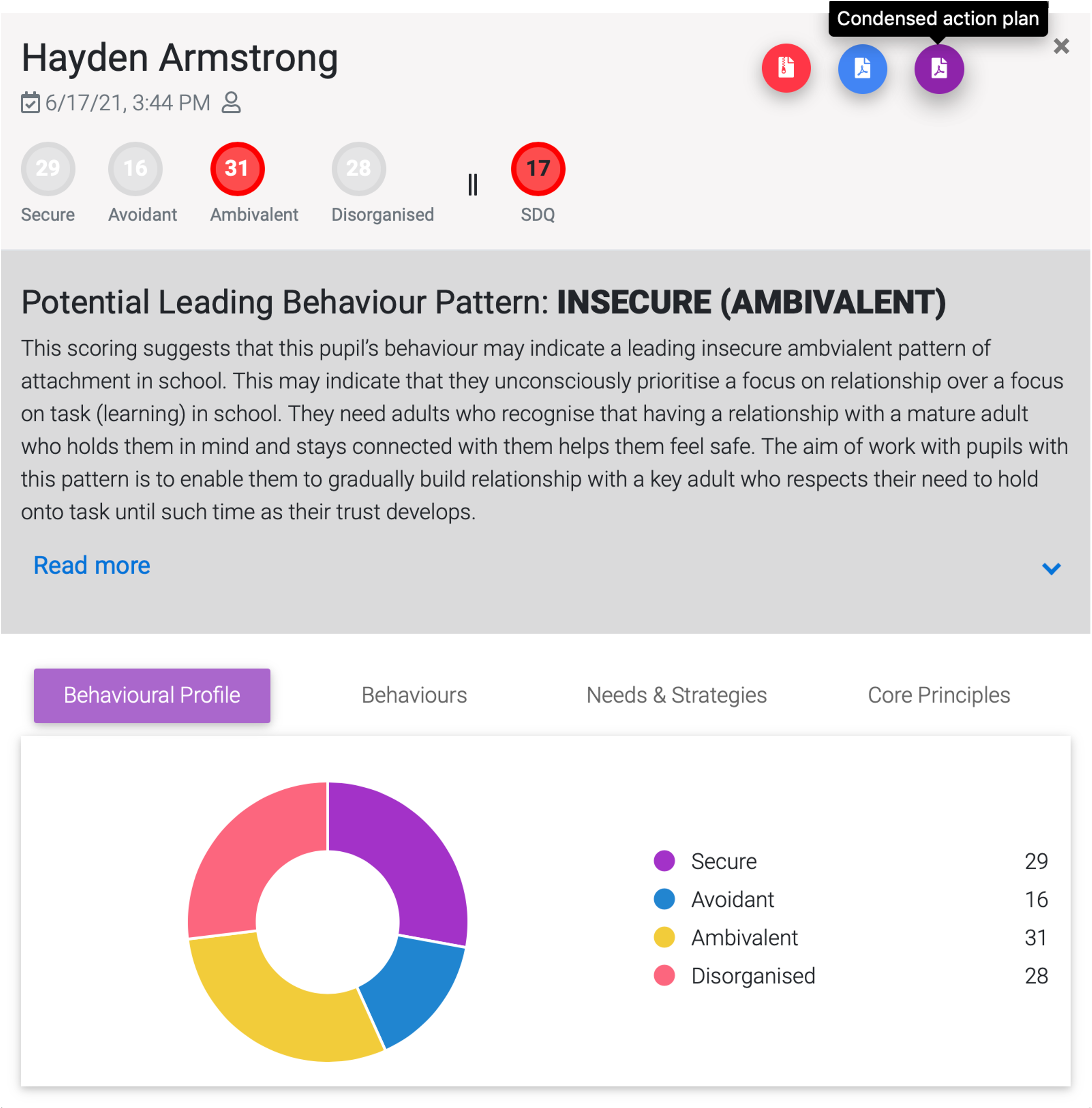
To generate a Condensed action plan click on the purple Create Condensed Action Plan pdf symbol.
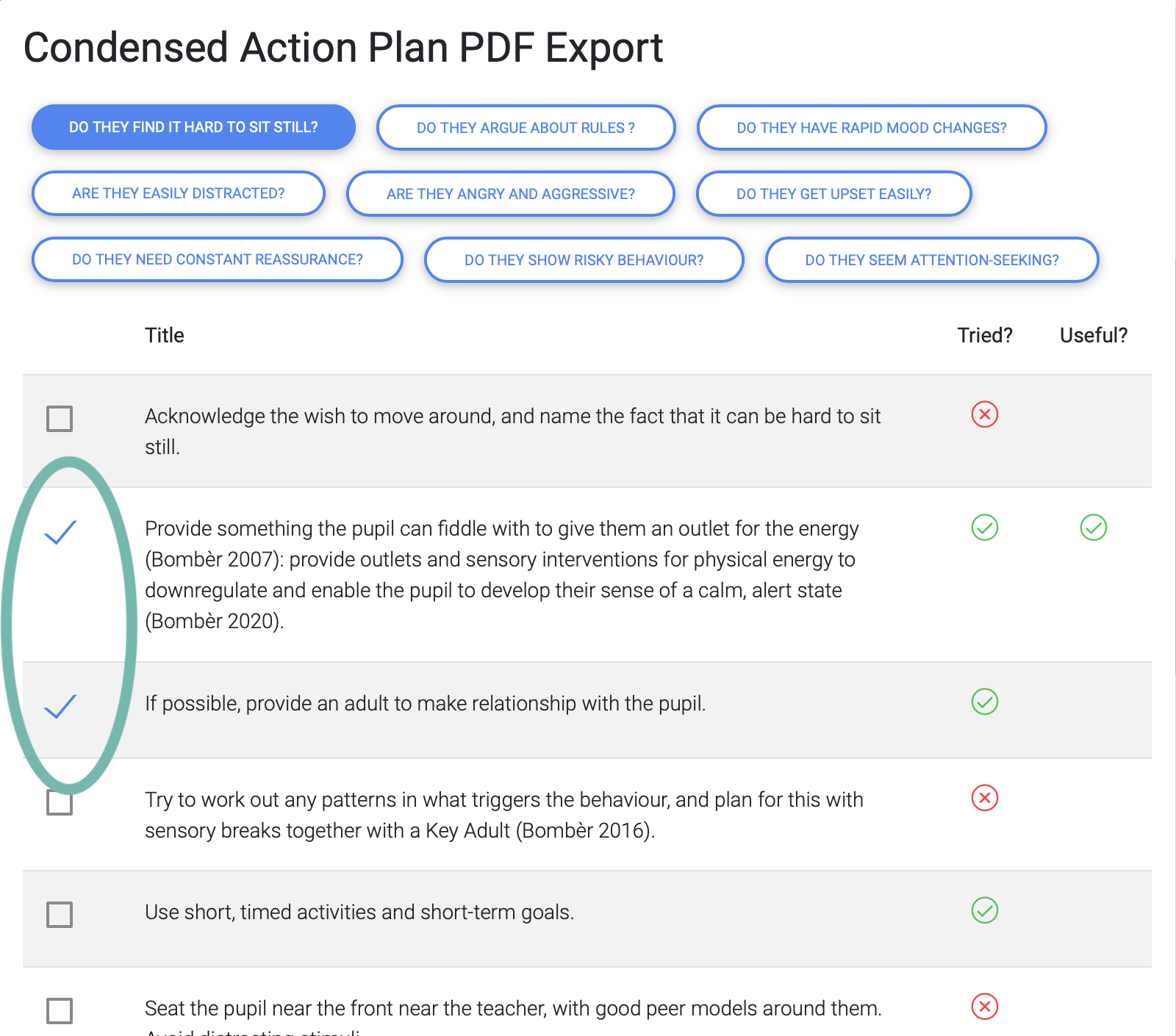
Choose the behaviour(s) you want to focus on
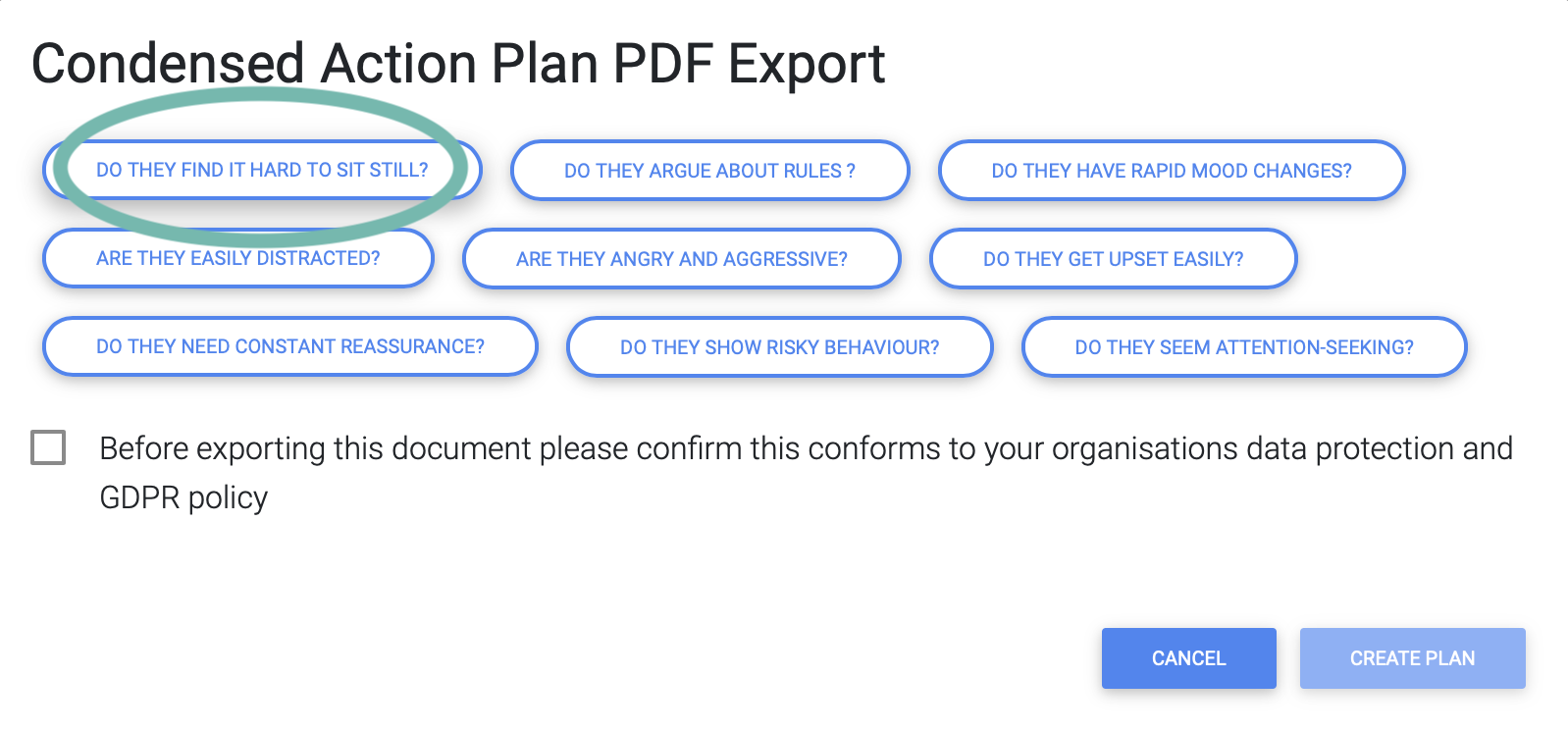
And select the needs and/or strategies you would like to add to a Condensed action plan
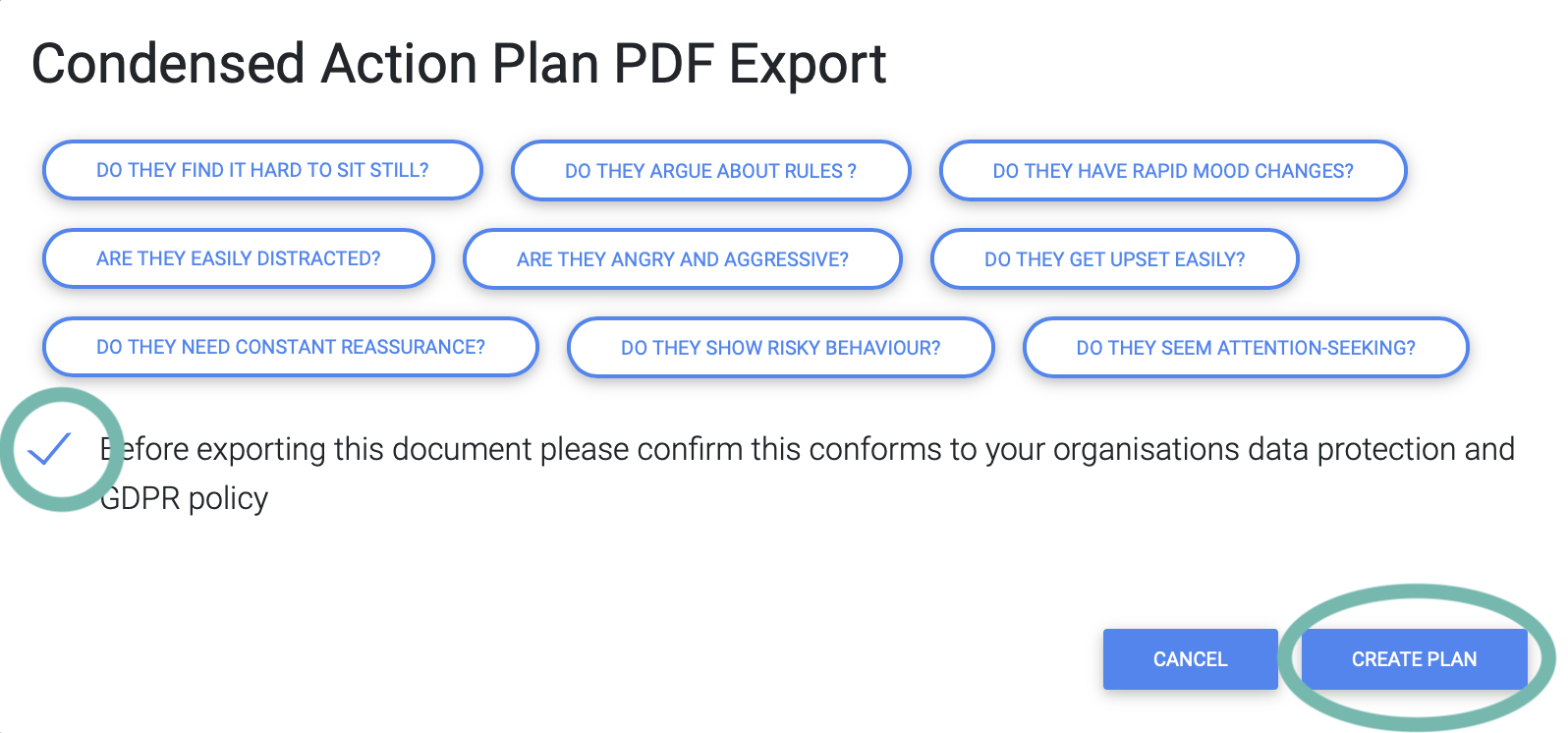
Check the box if generating the report conforms to your organisation data protection and GDPR policy and select Create plan
The report will be downloaded for you to save print or attach to other documents.